2. Click Power Options ➙ Choose what the power button does.
3. Change the settings as you prefer.
Set the power plan
For ENERGY STAR
®
compliant computers, the following power plan takes effect when your computers have
been idle for a specified duration:
Table 1. Default power plan (when plugged into ac power)
• Turn off the display: After 10 minutes
• Put the computer to sleep: After 30 minutes
To reset the power plan to achieve the best balance between performance and power saving:
1. Right-click the battery status icon and select Power Options.
2. Choose or customize a power plan of your preference.
Transfer data
Quickly share your files using the built-in Bluetooth among devices with the same features. You also can
insert a microSD card to transfer data.
Set up a Bluetooth connection
You can connect all types of Bluetooth device to your computer, such as a keyboard, a mouse, a
smartphone, or speakers. The devices must be within a short distance, usually 10 meters (33 feet), from the
computer.
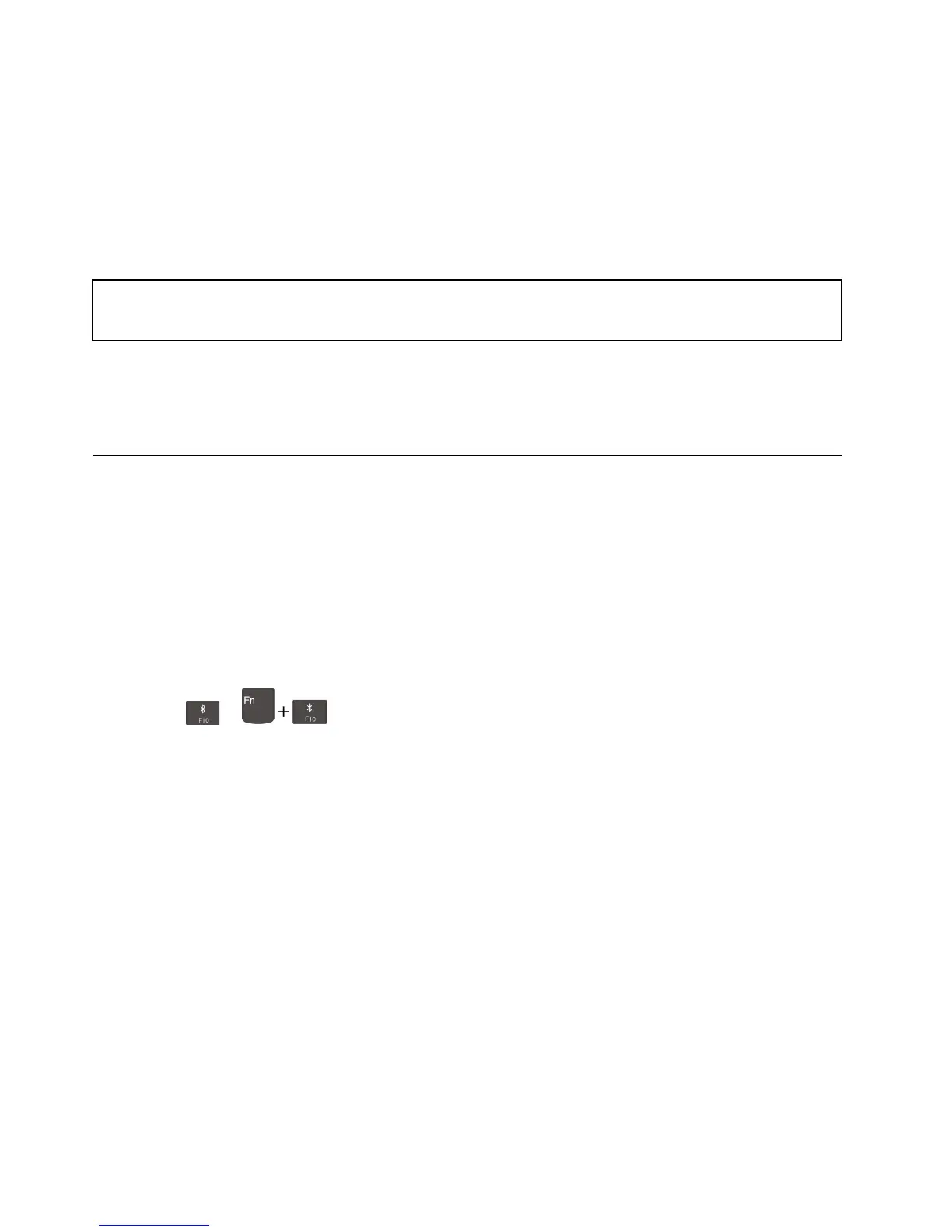
1. Turn on Bluetooth on the computer.
• Press
or .
• Open the Start menu, and then click Settings ➙ Devices ➙ Bluetooth & other devices. Turn on the
Bluetooth switch.
2. Click Add Bluetooth or other device ➙ Bluetooth.
3. Select a Bluetooth device, and then follow the on-screen instructions.
Your Bluetooth device and computer will automatically connect the next time if the two devices are in range
of each other with Bluetooth turned on. You can use Bluetooth for data transfer or remote control and
communication.
Use a microSD card
Your computer has a microSD card slot, read the following information.
Supported microSD card
Note: Your computer does not support the content protection for recordable media (CPRM) feature for the
microSD card.
• Secure Digital (SD) card
• Secure Digital High-Capacity (SDHC) USH-1 card
• Secure Digital eXtended-Capacity (SDXC) USH-1 card
26
E490/E490s/R490 User Guide












 To Next Page