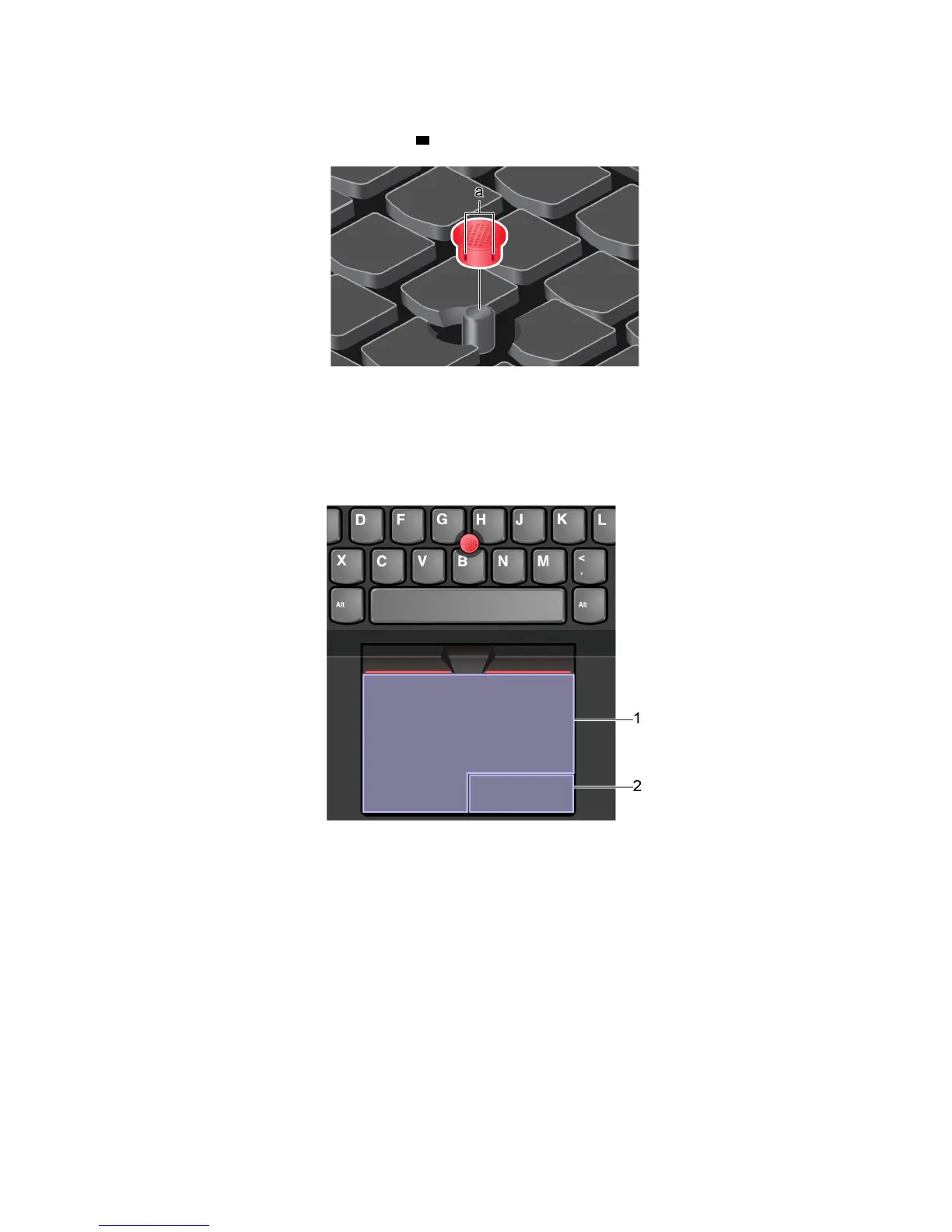
Replace the pointing-stick nonslip cap
Note: Ensure that the new cap has grooves
a .
Use the trackpad
The entire trackpad surface is sensitive to finger touch and movement. You can use the trackpad to perform
all the pointing, clicking, and scrolling functions of a traditional mouse.
Use the trackpad
1. Left-click zone
Press to select or open an item.
You also can tap anywhere on the surface of the trackpad with one finger to perform the left-click action.
2. Right-click zone
Press to display a shortcut menu.
You also can tap anywhere on the surface of the trackpad with two fingers to perform the right-click action.
Chapter 2. Get started with your computer 19












 To Next Page