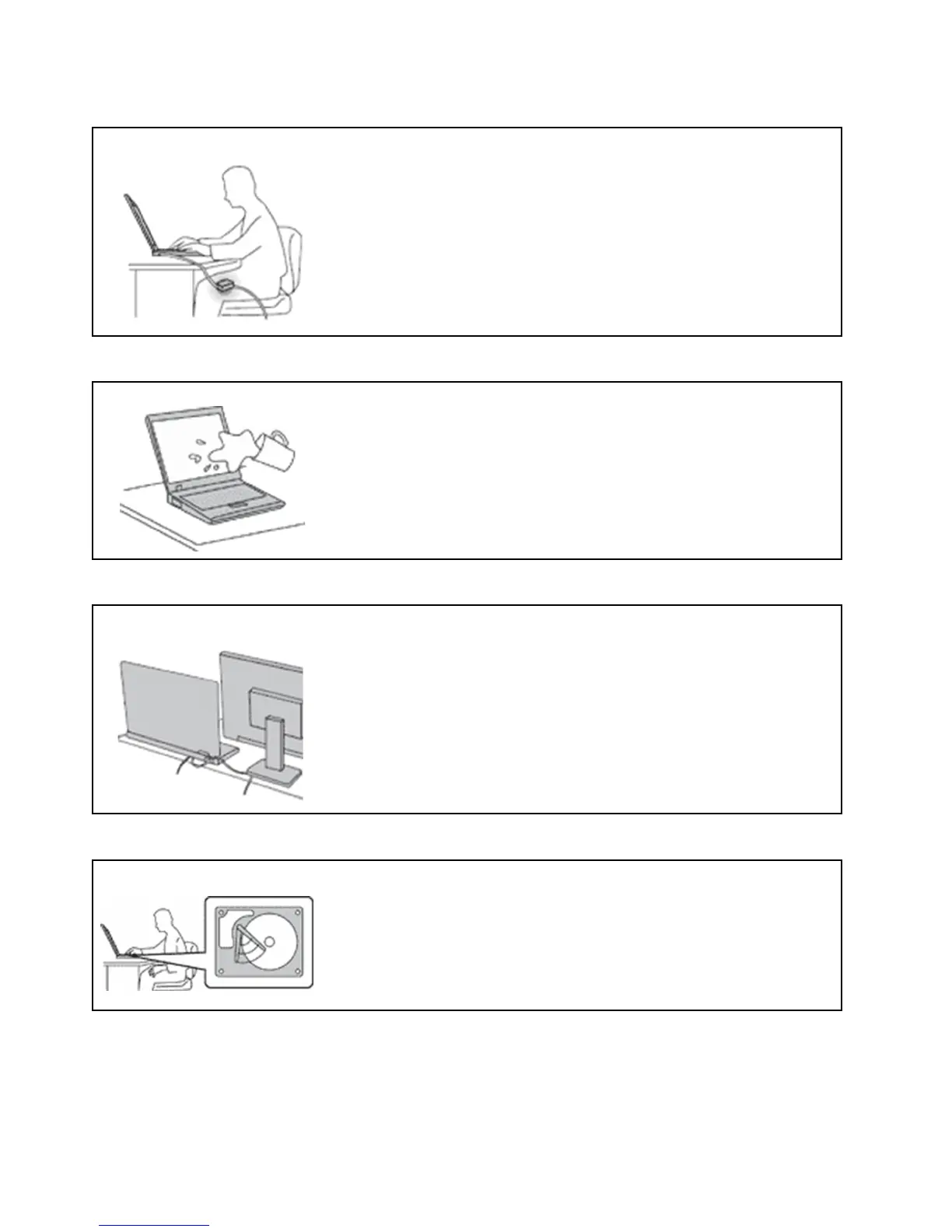
Protect yourself from the heat generated by the ac power adapter.
When the ac power adapter is connected to an electrical outlet and your
computer, it generates heat.
Extended contact with your body, even through clothing, may cause a skin
burn.
• Do not place the ac power adapter in contact with any part of your body
while it is in use.
• Never use it to warm your body.
• Do not wrap the cords around the ac power adapter while in use.
Prevent your computer from getting wet.
To avoid spills and the danger of electrical shock, keep liquids away from your
computer.
Protect the cables from being damaged.
Applying strong force to cables may damage or break them.
Route communication lines, or the cables of an ac power adapter, a mouse, a
keyboard, a printer, or any other electronic device, so that they cannot be
walked on, tripped over, pinched by your computer or other objects, or in any
way subject to treatment that could interfere with the operation of your
computer.
Protect your computer and data when moving it.
Before moving a computer equipped with a hard disk drive, do one of the
following:
• Turn it off.
• Put it in sleep mode.
• Put it in hibernation mode.
This helps to prevent damage to the computer, and possible loss of data.
74 E490/E490s/R490 User Guide












 To Next Page