Chapter 2. 2-7
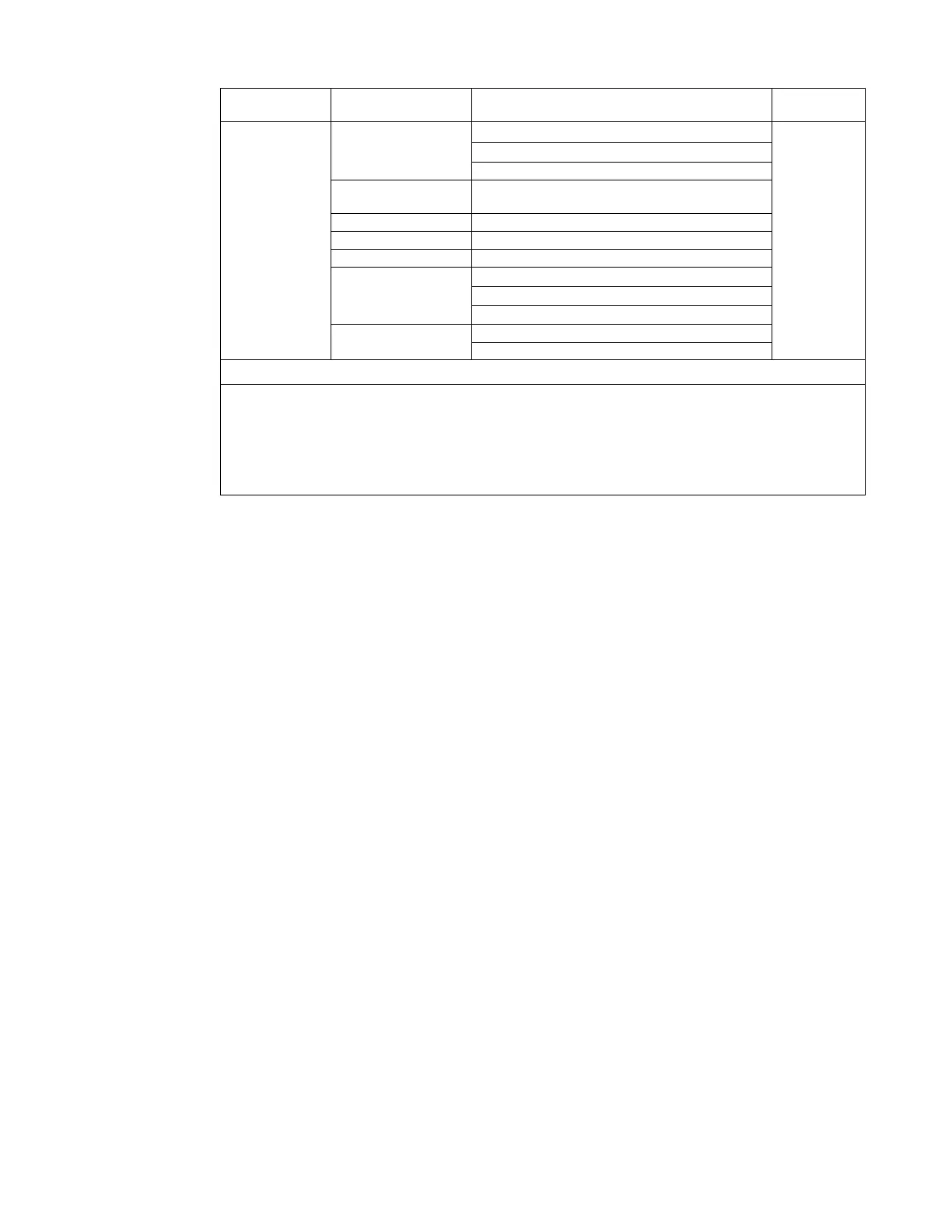
OSD Icon on
Main Menu
Sub menu Description
Controls and
Adjustments
Menu Settings
Information
Model Name: E24-30
All input
signals
Firmware: LX.X
Serial Number: VN48551
Language
English/Français/Italiano/简体中文/Español/日本
語/Deutsch/Русский/ไทย/Українська
OSD Time Out Adjust bar (5-60)
OSD Position Adjust bar (0-100,0-100)
Transparency Adjust bar (0-100)
OSD rotation
Normal
90
270
Factory Reset
Reset
No
Input Signal: HDMI Resolution:1920x1080 Refresh Rate: 60Hz
Note: The use of Extreme Mode (response time) may result in reduced display quality when fast
moving video graphics are displayed.
Users should check Extreme Mode (response time) to verify if it is compatible with any applications
they would like to use it with.






 To Next Page