Chapter 1. 1-1
Chapter 1. Getting started
1
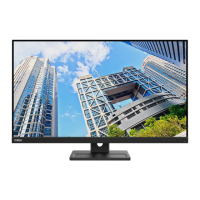
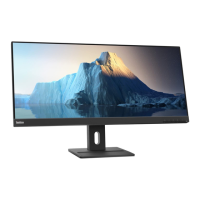
This User’s Guide contains detailed information on the your Flat Panel Monitor. For a quick
overview, please see the Setup Poster that was shipped with your monitor.
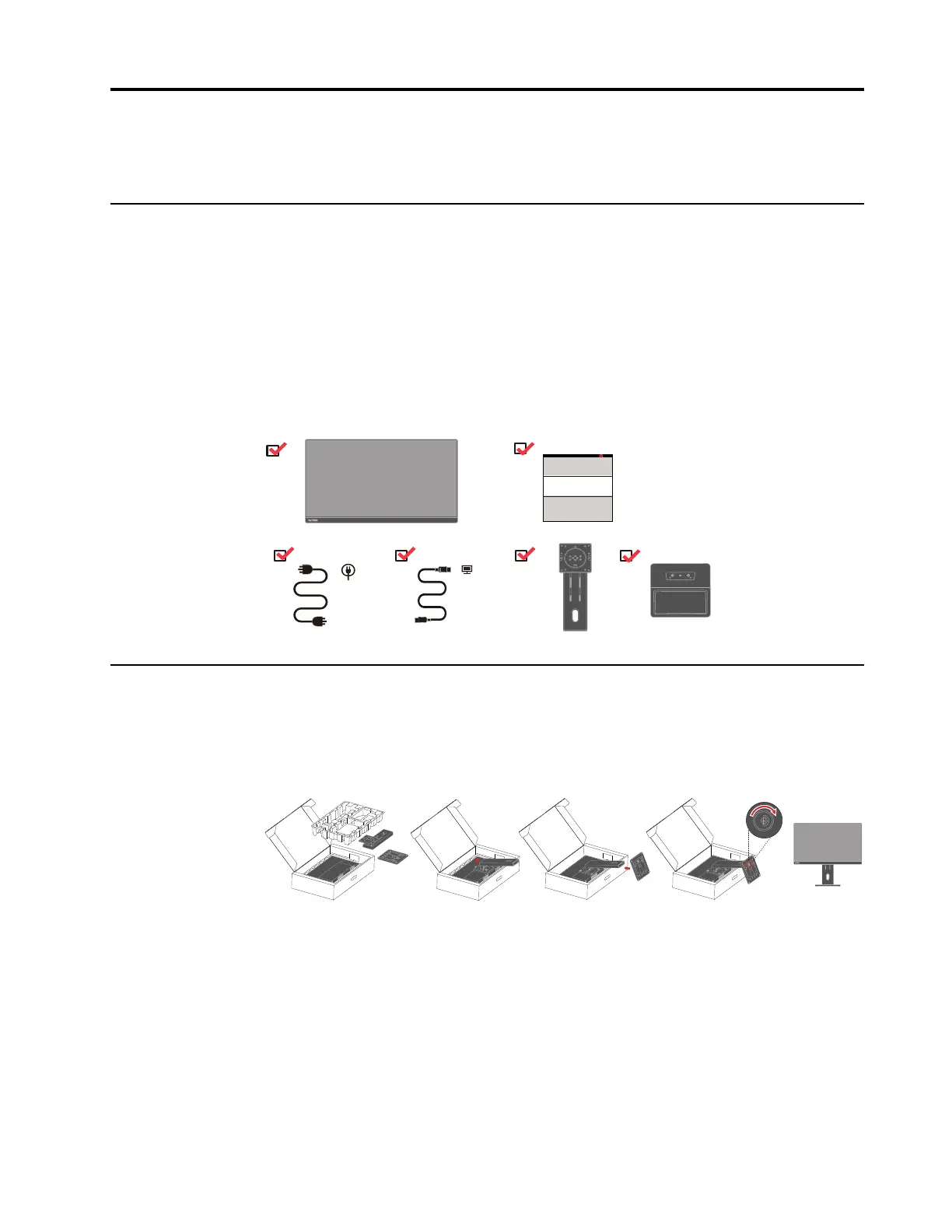
Shipping contents
The product package should include the following items:
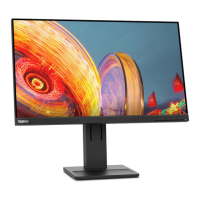
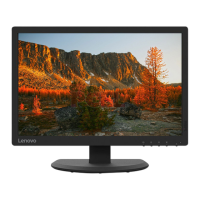
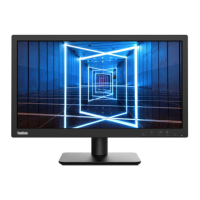
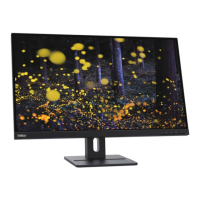
y Flat Panel Monitor
y Information Flyer
y Stand
y Base
y HDMI Cable
y Power Cord
Notice for use
To set up your monitor, please see the illustrations below.
Note: Do not touch the monitor within the screen area. The screen area is glass and can be
damaged by rough handling or excessive pressure.
1. Take out the Top cushion and accessories.
2. Mounting the stand to monitor’s recess.
3. Insert the base towards the stand and tighten the thumbscrew.
4. Stand up the monitor with both hands carefully.
Note: To attach a VESA mount, please see “Wall Mounting (Optional)”on page 2-10.






 To Next Page