EasyManua.ls Logo

Lenze ESV251 1S Series - User Manual

Lenze ESV251 1S Series
72 pages
Print Icon
To Next Page IconTo Next Page
Loading...
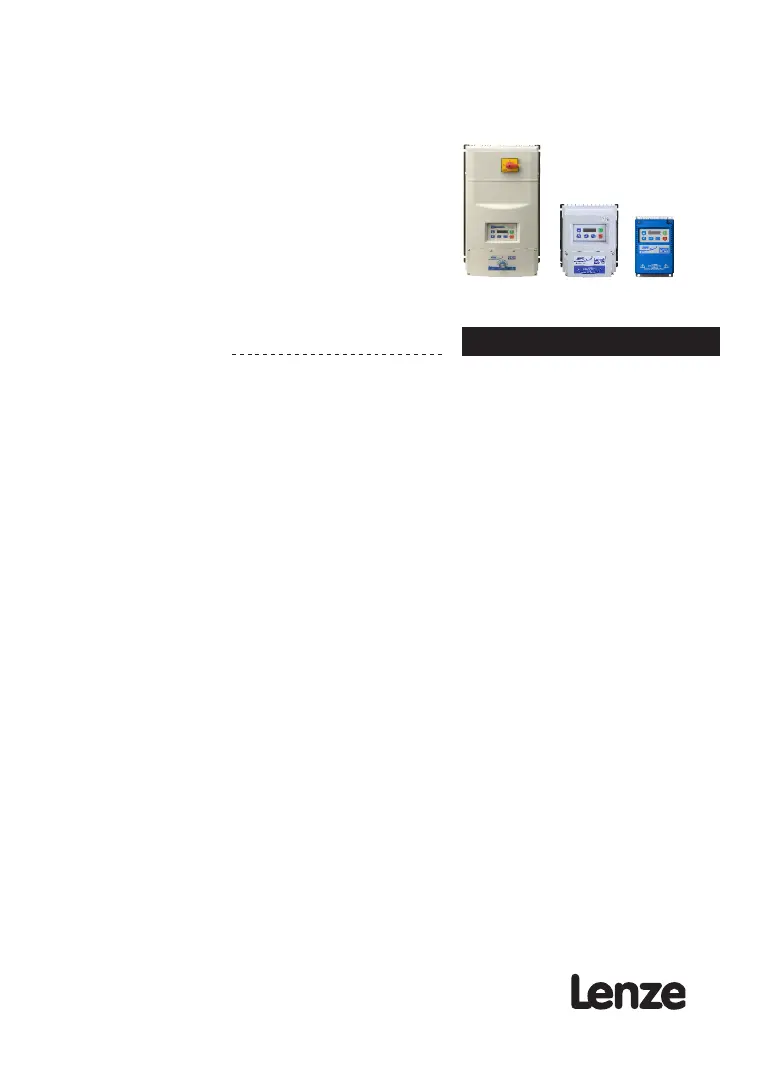
SMV
Frequency Inverter
Operating instructions EN
(13554876)

Table of Contents

Questions and Answers

  • G
    Gail ParsonsAug 12, 2025
    What to do if Lenze Inverter Current Limit (P171) is reached?
    • G
      greerkristinAug 12, 2025
      If the Lenze Inverter reaches the Current Limit (P171), it indicates a motor overload. To resolve this, try increasing the value of P171. Also, verify that the drive and motor are appropriately sized for the application to prevent future overloads.
  • T
    tamireedAug 19, 2025
    What to do if Lenze ESV251 1S shows Drive ID warning?
    • S
      Sarah AvilaAug 19, 2025
      If your Lenze Inverter shows a Drive ID warning, it means the Drive ID (P502) stored on the EPM does not match the drive model. You can verify the motor data (P302…P306) and perform Auto Calibration. Alternatively, set the drive mode (P300) to 0 or 1. As another option, reset the drive (set P199 to 3 or 4) and reprogram it.
  • C
    Christina GambleAug 26, 2025
    What causes Fast Current Limit on Lenze ESV251 1S?
    • D
      Denise GarciaAug 26, 2025
      If the Lenze Inverter indicates a Fast Current Limit, it signifies an overload condition. To address this, ensure that the drive and motor are properly sized for the application.
  • T
    Travis AndersonSep 3, 2025
    Why does Lenze ESV251 1S Inverter show OEM Settings Operation warning?
    • A
      Amy BryantSep 3, 2025
      The OEM Settings Operation warning on your Lenze Inverter appears because an attempt was made to change parameter settings while the drive is operating in OEM Settings mode. When the drive is in OEM Settings mode (P199 = 1), modifying parameters is not allowed.

Lenze ESV251 1S Series Specifications

General IconGeneral
BrandLenze
ModelESV251 1S Series
CategoryInverter
LanguageEnglish

Related product manuals