10
Section 2.04 2.5 Console Interface
Via this port to enter the console interface for the administrator to check the IP address of EAP-200 and reset
the device to default if the admin password is forgotten.
1. In order to connect to the console port of EAP-200, a console, modem cable and a terminal simulation
program, such as the Hyper Terminal are needed.
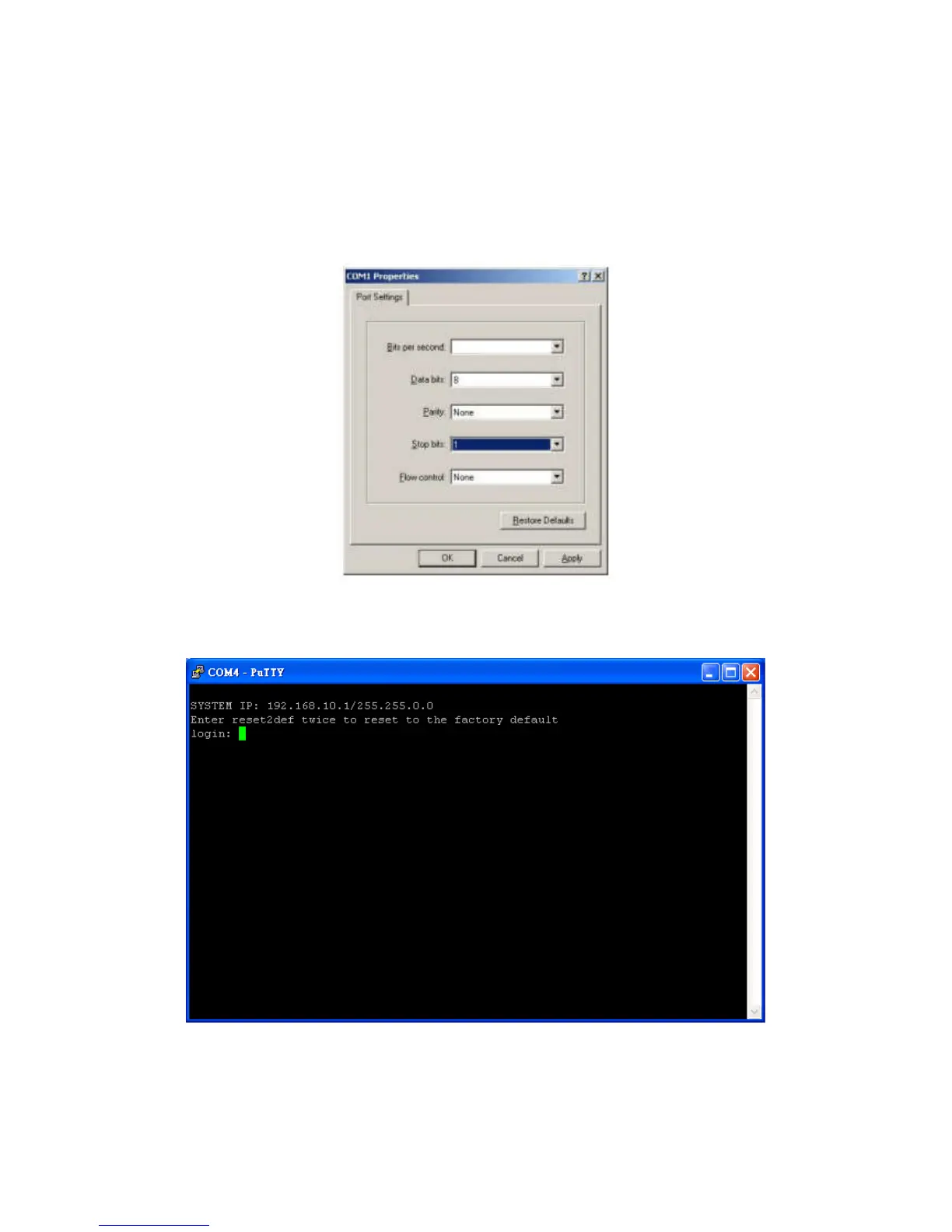
2. If a Hyper Terminal is used, please set the parameters as 115200, 8, None, 1, None.
The console interface looks like the screenshot below, displaying the current LAN IP address and the
instructions to reset device to default.















 To Next Page