71
Section 7.04 7.4 Utilities
The administrator can maintain the system on this page: Change Password, Backup & Restore, System
Upgrade, Reboot and Upload Certificate.
(a) 7.4.1 Change Password
To protect the Web Management Interface from unauthorized access, it is highly recommended to change
the administrator’s password to a secure password. Only alpha-numeric characters are allowed, and it is
also recommended to make use of a combination of both numeric and alphabetic characters.
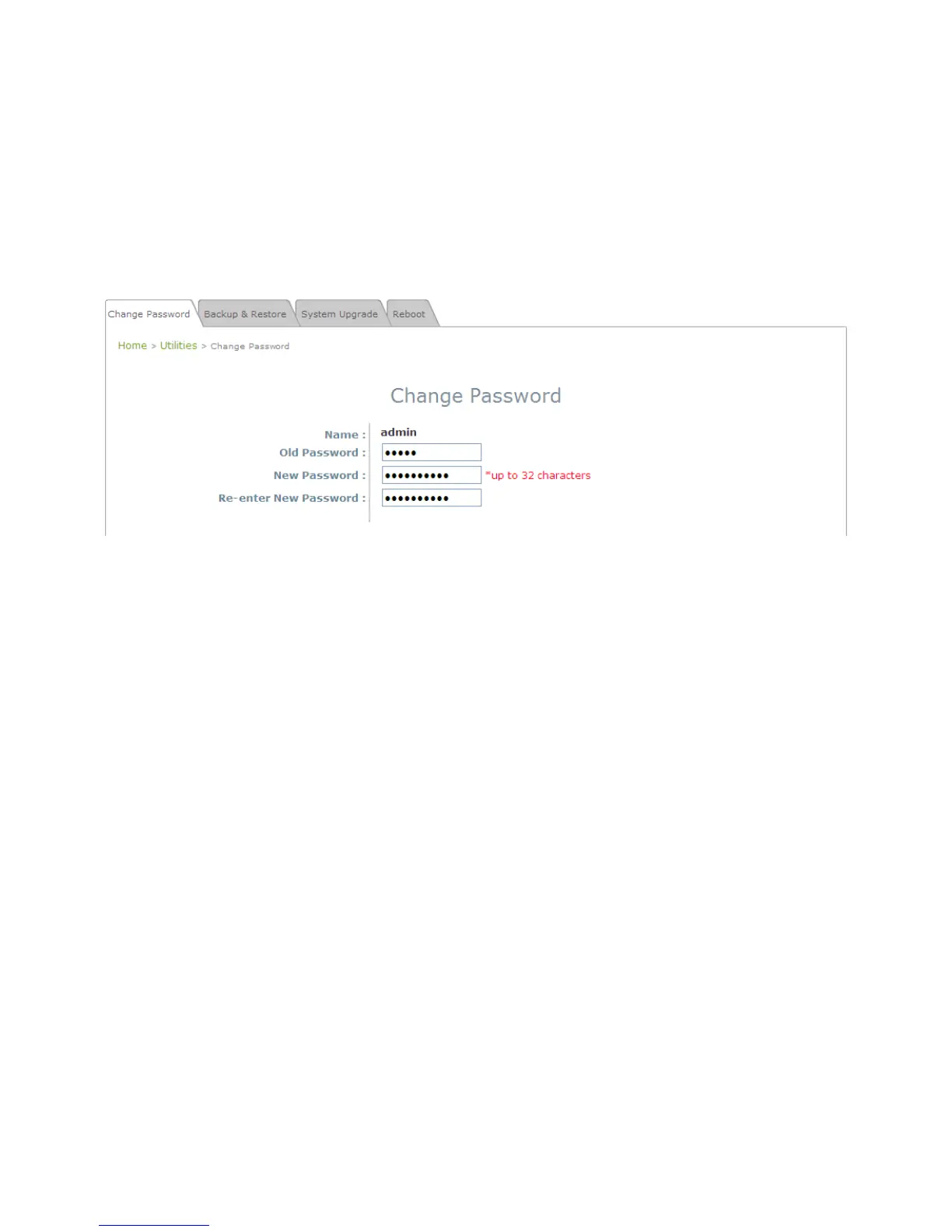
Change Password Page
The administrator can change password on this page. Enter the original password (“admin”) and new
password, and then re-enter the new password in the Re-enter New Password field. Click SAVE to save
the new password.















 To Next Page