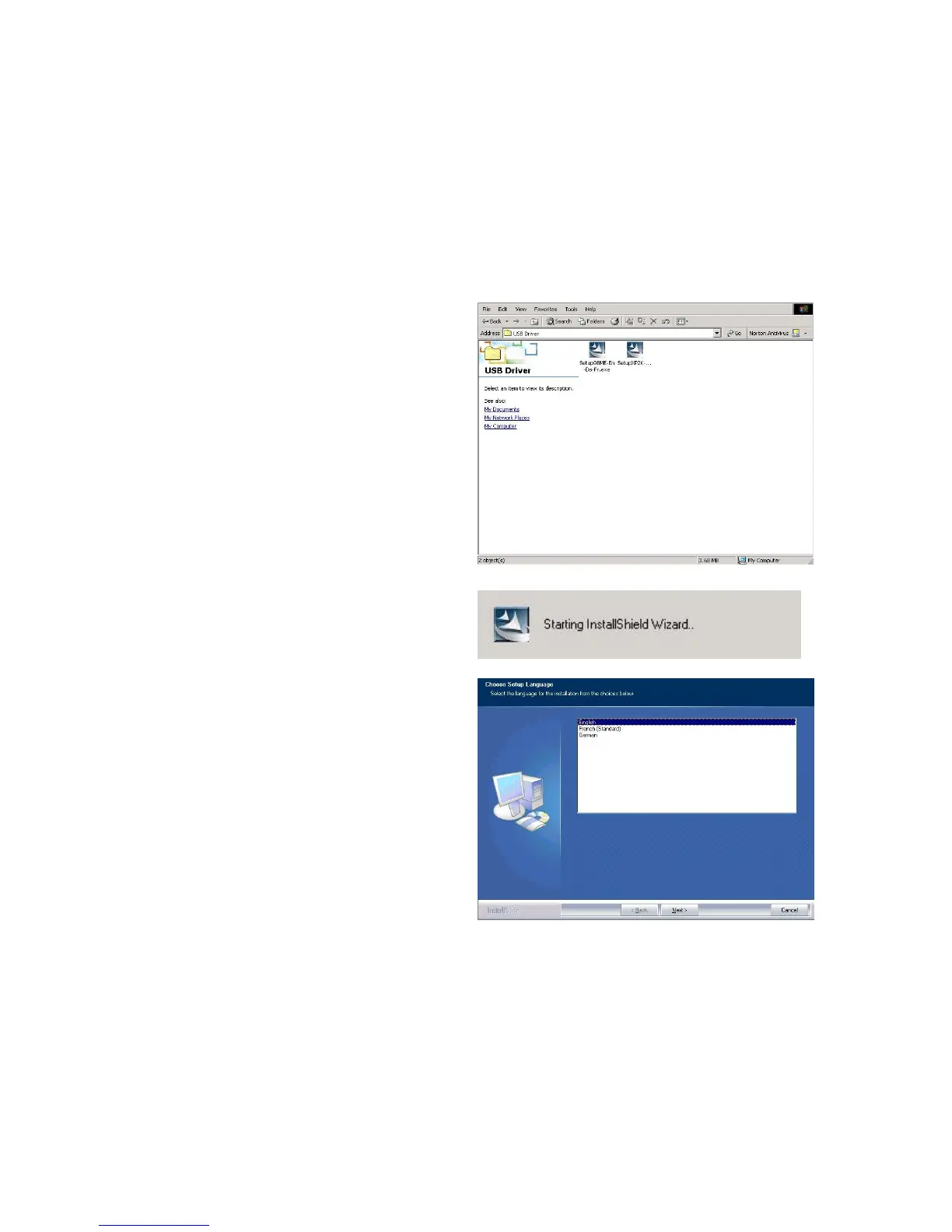
3.3. Installing the USB Driver
If you connect the device through USB port instead of Ethernet port, for the first time the
USB cable is connected to the PC, Windows will automatically detect the device. Follow the
steps to install the USB driver.
3.3.1. For Windows XP & 2000
Start Windows. Then insert the installation
CD into the CD-ROM drive. In next window,
to specify the CD ROM driver directory and
to continue.
To choose the setup language. ”and click
“Next >”. (There are three languages that
user can choose: English. German and
French)















 To Next Page