4. Configuration
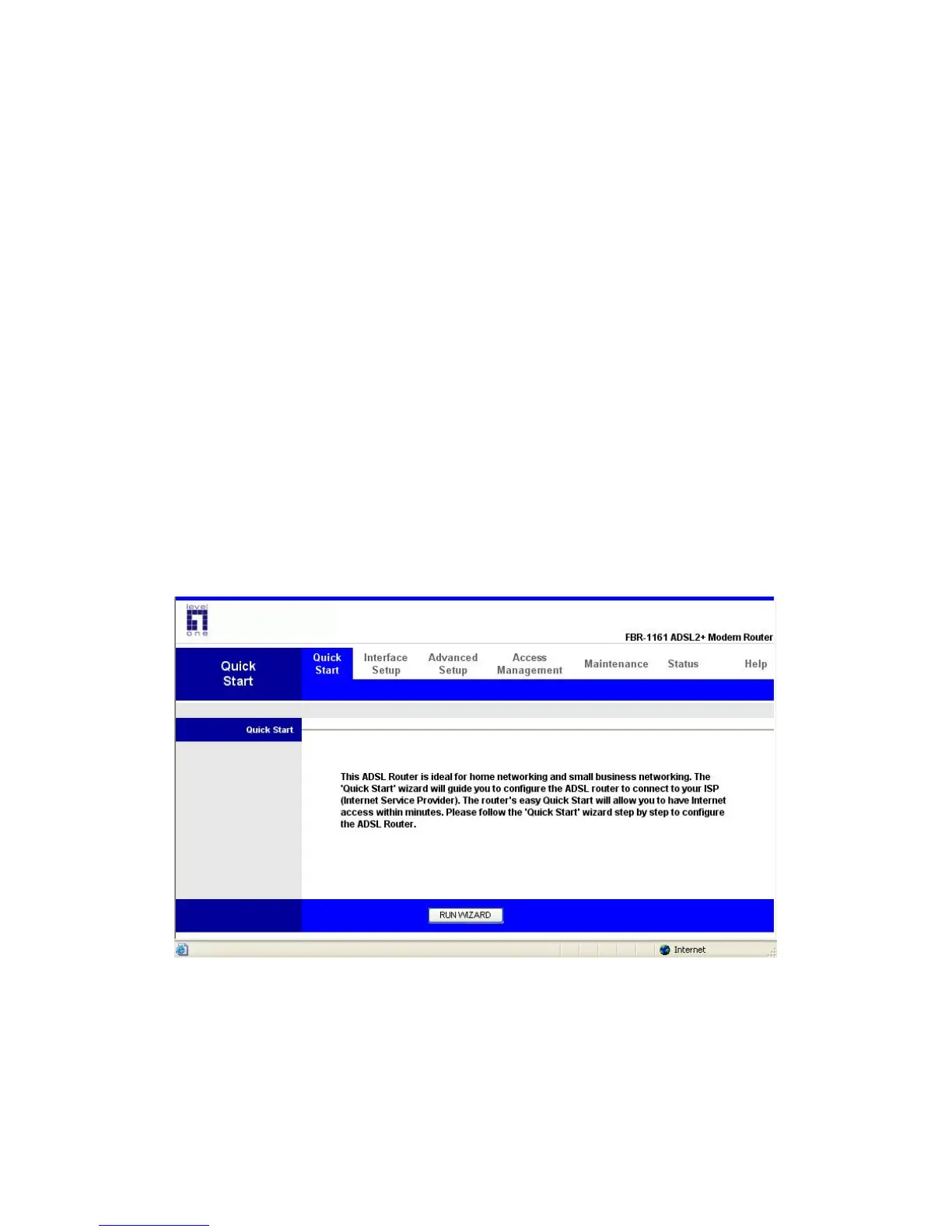
At the configuration homepage, the left navigation pane where bookmarks are provided links
you directly to the desired setup page, including:
Quick Start (wizard setup)
Interface Setup (Internet, LAN)
Advanced Setup (Routing, NAT, ADSL)
Access Management (ACL, IP Filter, SNMP, UPnP, DDNS)
Maintenance (Administration, Time Zone, Firmware, SysRestart, Diagnositics)
Status
Please see the relevant sections of this manual for detailed instructions on how to configure
your LevelOne router.
4.1. Quick Start
Click the RUN WIZARD to start configuring
The information you need for the Quick Start to get you online are your login (often in the
form of username@ispname), your password, and the encapsulation type.
The following is the Quick Start step, please follow according to the instruction step by step.















 To Next Page