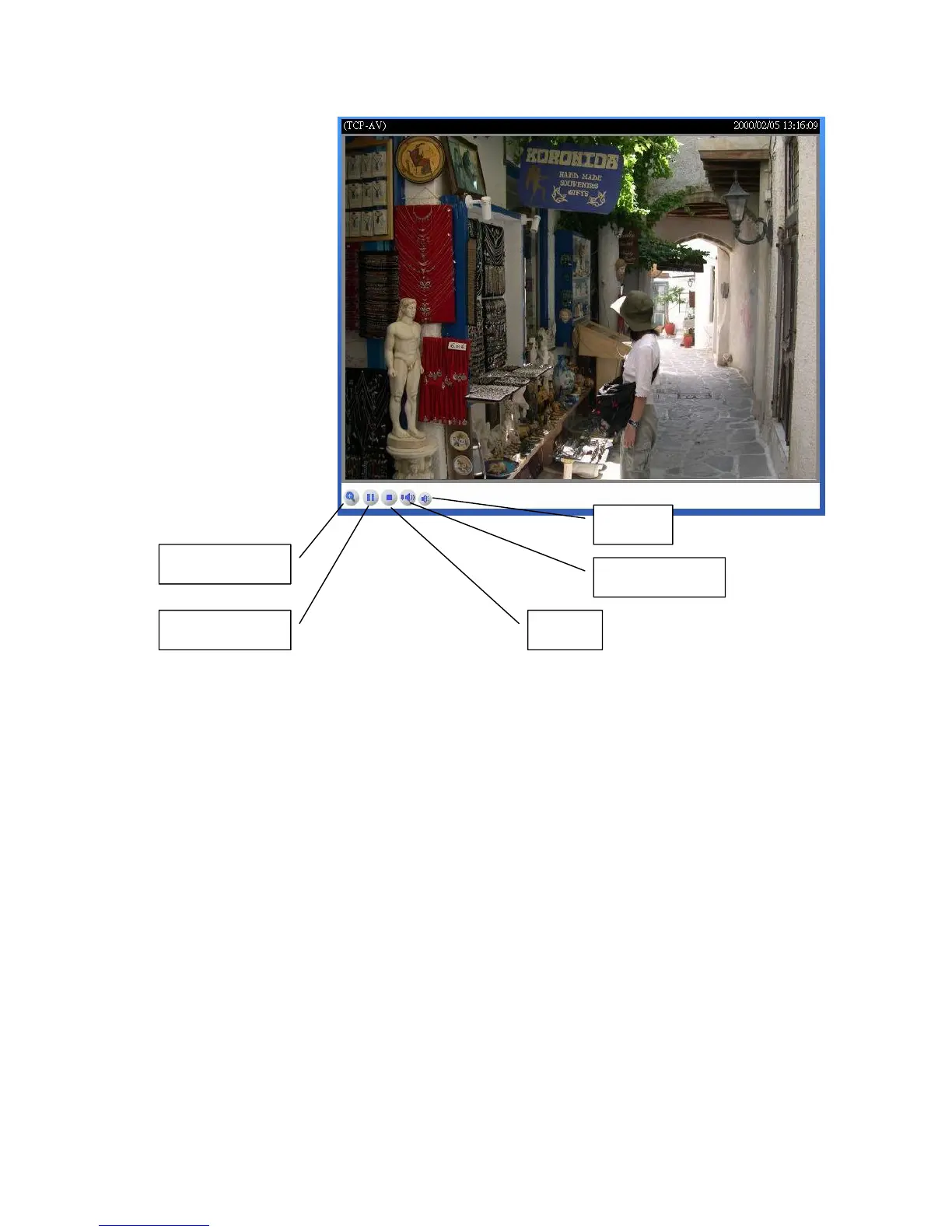
“Play” The option will connect to the Network Camera. The button is the same one as “Pause”.
“Pause” The option will pause the video, but the connection remains. The button is the same one
as “Play”.
“Stop” The option will disconnect to the Network Camera.
“Play volume” Click on this button can adjust the audio volume.
“Mute” Disable audio at client side.
The pan/tilt control buttons:
The direction buttons are for Left, Right, Up, Down, and Home functions. The Home button
centers the camera.
“Go to” Once the Administrator has determined the preset positions; the User can aim the
camera using this control.
“Pan speed”
This button sets the moving range of the “Left” and “Right” commands.
“Tilt speed”
This button sets the moving range of the “Up” and “Down” commands.
Play/Pause
Digital Zoom
Play volume
Mute
Stop



 To Next Page