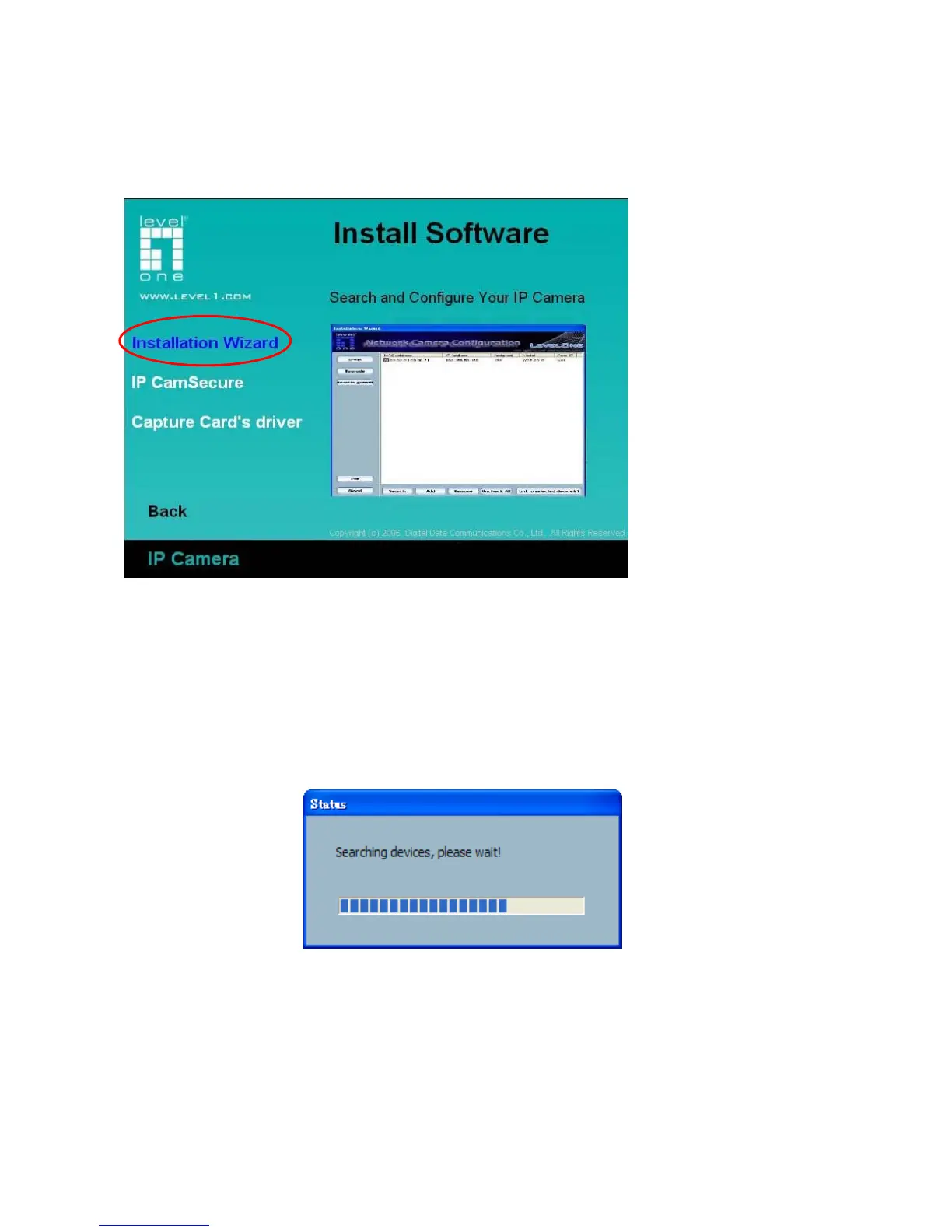
Click on “Install Software” after the window contains changed, click on “Installation Wizard” to run
installation program.
Upon Installation Wizard’s start up, a searching box will pop up. This program searches for IP
Network Camera on the same LAN:
After searching, Network Cameras will be located by the Installation Wizard. There may be
several entries shown in the window. The Administrator may differentiate the Network Cameras
with the MAC address.



 To Next Page