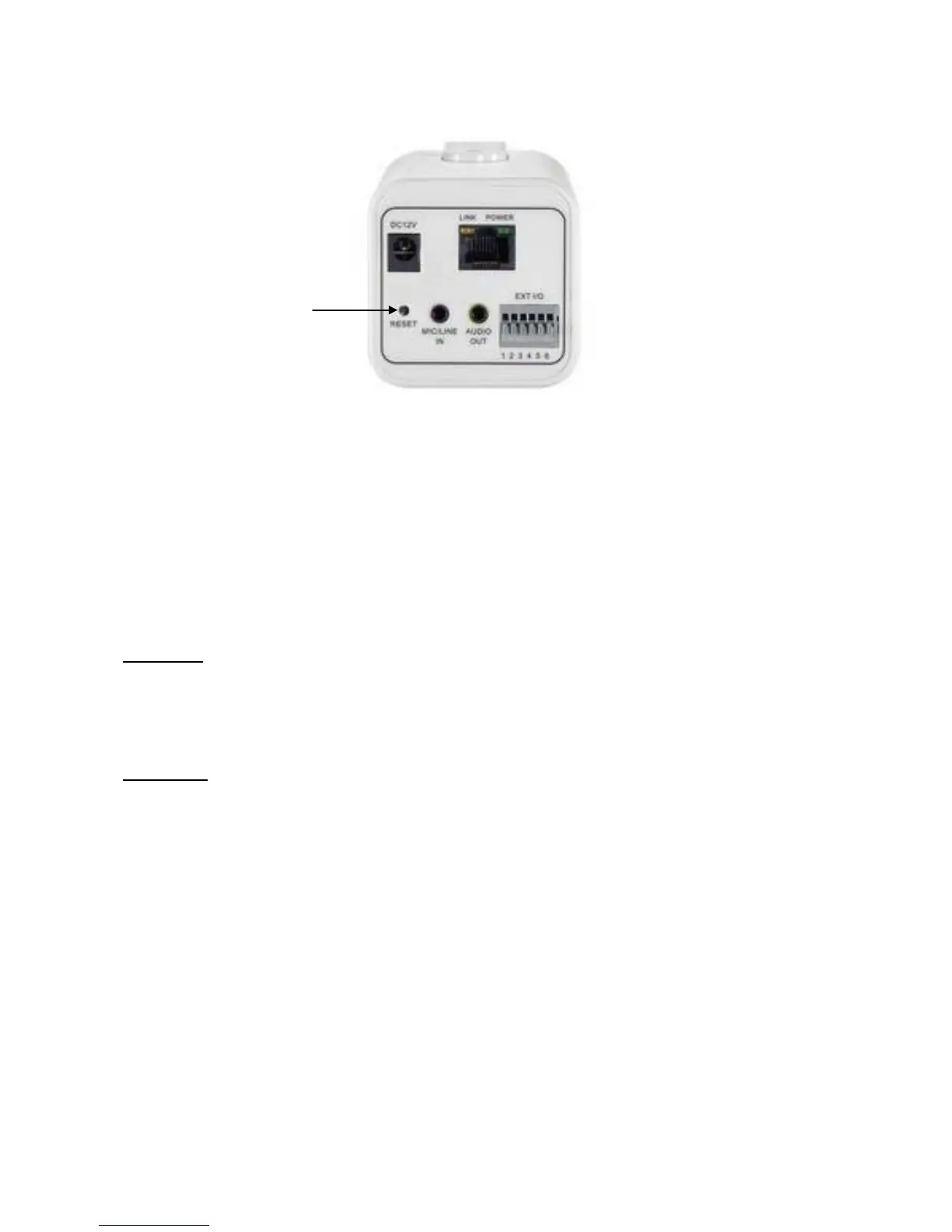
Hardware Reset
The Reset Button can be used to reboot the camera or restore it to factory default settings.
If the camera experiences a problem, rebooting the camera may correct the problem. If the
problem remains, please restore the camera to factory default settings and reinstall the
software.
To Reboot - Press and hold the Reset Button for one second using a paper clip or thin
object. Wait for the camera to reboot.
To Restore – Press and hold the Reset Button for ten seconds until the LED light turns off.
When successful restored, the LED will be green during normal operation.
Reset Button















 To Next Page