Network
IP Setting
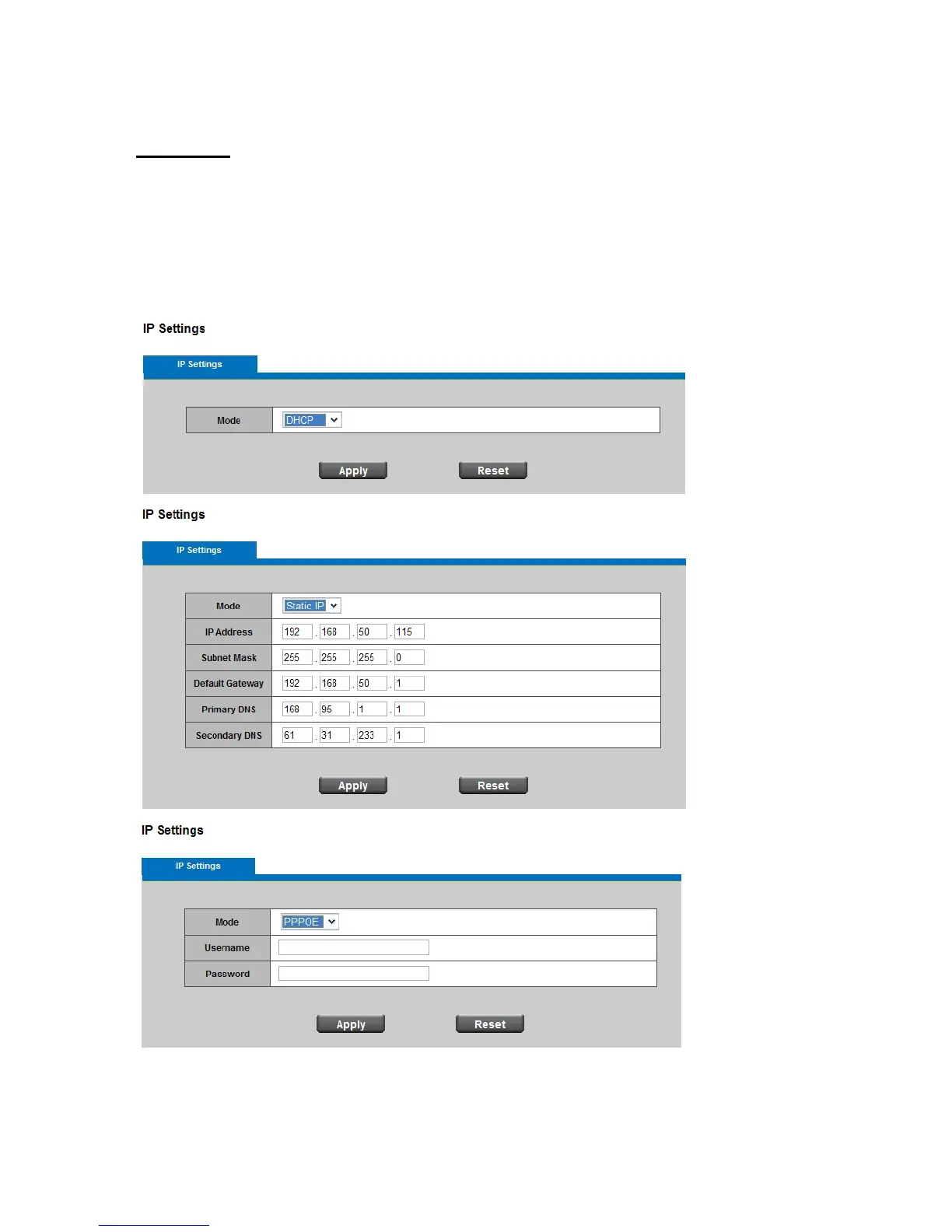
IP Setting: This section explains how to configure wired network connection for the
Network Camera. There are several ways to setup the Network Camera over the Internet.
The first way is to obtain an available dynamic IP address assigned by a DHCP server.
The second way is to utilize a static IP. The third way is to use PPPoE.
DHCP: Get IP address automatically. Select this option to obtain an available
dynamic IP address assigned by a DHCP server each time the camera is connected















 To Next Page