System
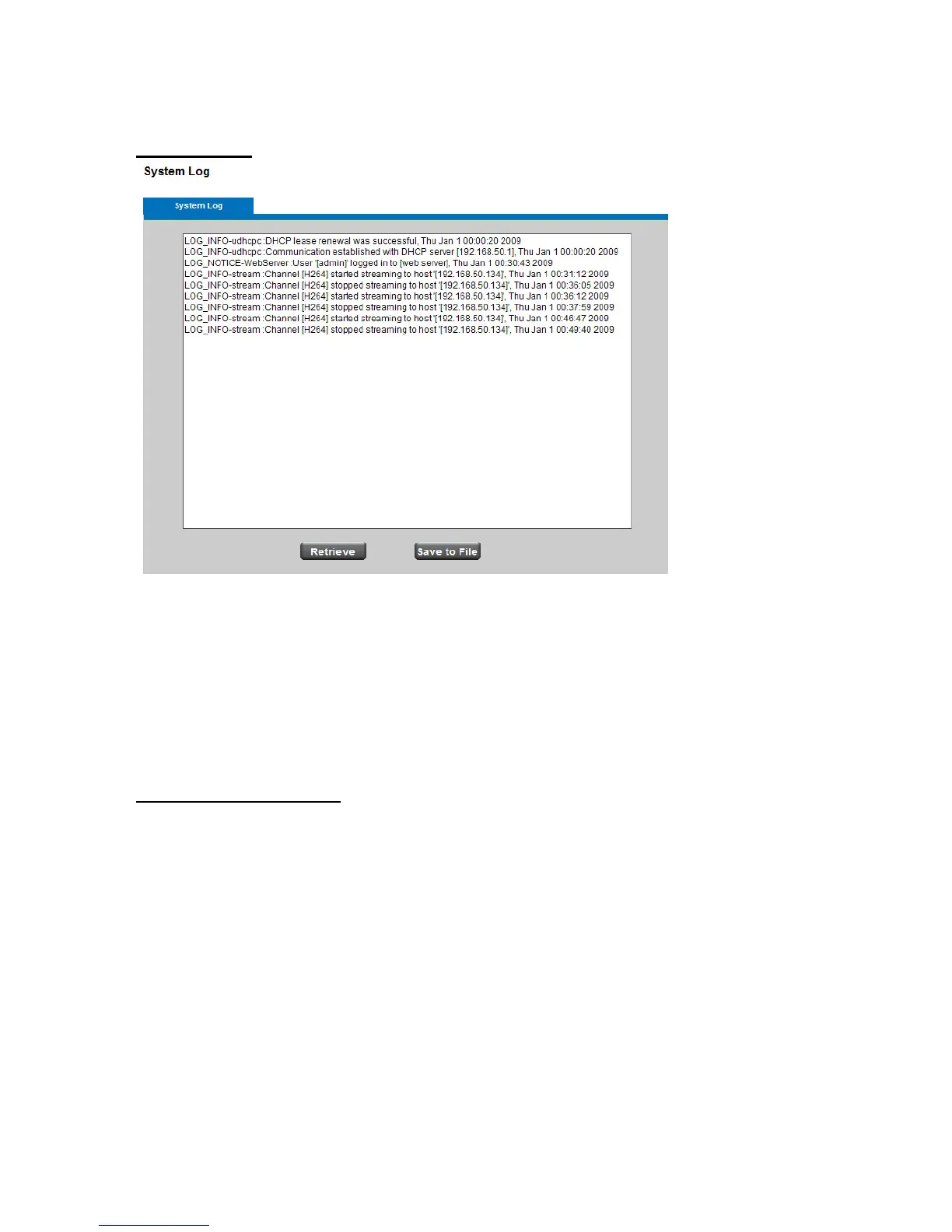
System Log
This page displays the system’s log in chronological order. The system log is stored in the
Network Camera’s buffer area and will be overwritten when reaching a certain amount.
Click Retrieve to retrieve the log, or click Save to file to save the file in the specify
location.
Date & Time Settings
Manual: The user can enter the date and time manually.
NTP: Select to update the time with the NTP server on hourly, daily, weekly, or monthly
basis.
NTP Server 1 and Server 2: Enter the address of the NTP server
Time Zone: Select the local time zone from drop-down menu.
Daylight Saving: Enable this option to automatically update for Daylight Savings Time.















 To Next Page