Maintenance
User Management
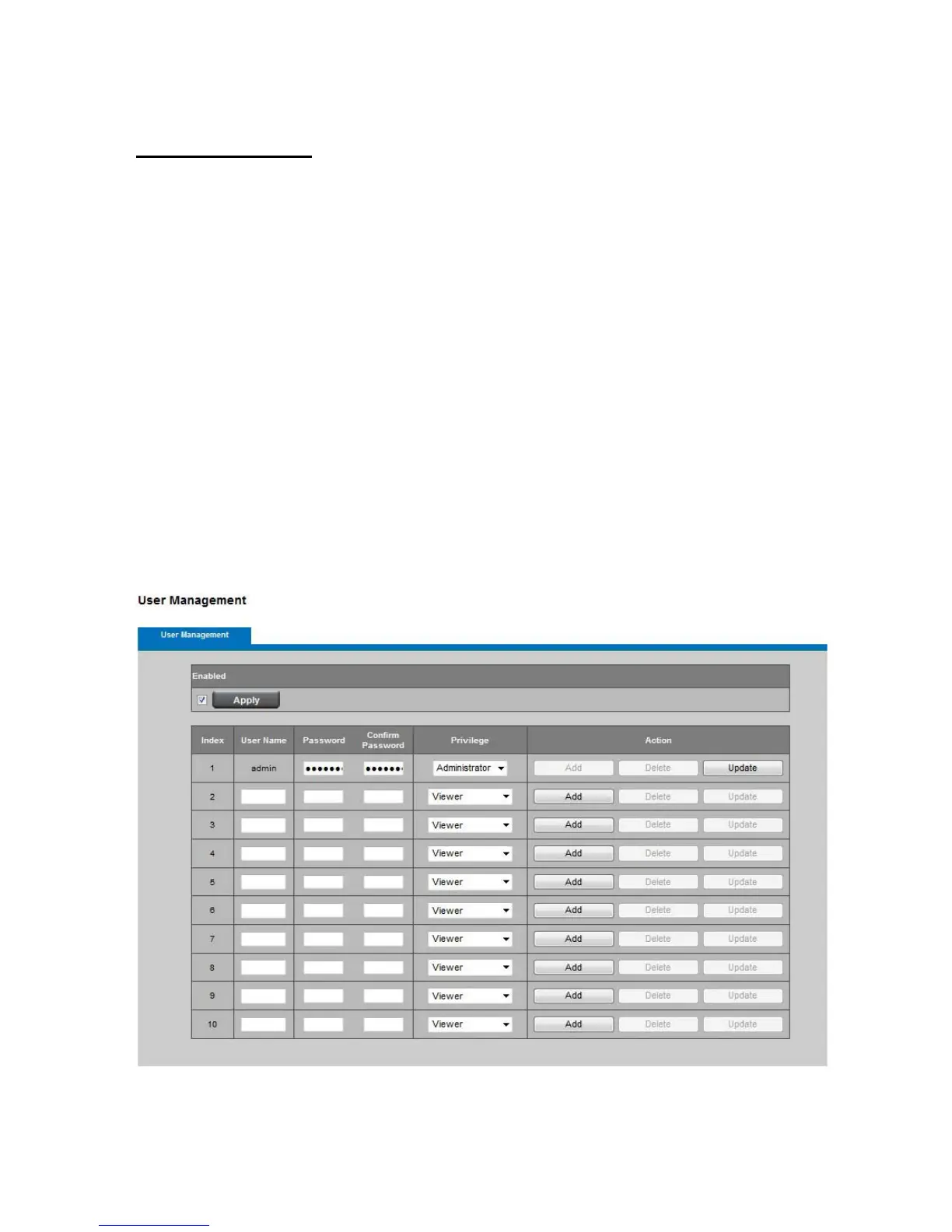
This section explains how to enable password protection and create multiple accounts.
Privilege Setting: Enter the new user’s name and password. Select the privilege for
new user account. Click Add to take effect. The administrator account name is “admin”,
which is permanent and can not be deleted.
Access rights are sorted as following (Viewer, Administrator and Remote Viewer). Only
administrators can access the Configuration page. Viewers can access the main page for
live viewing only. The privilege of Remote Viewer is same as viewer except TCP protocol
can only be selected for live viewing page. Administrators can add up to 10 user
accounts. You also can change user’s access rights or delete user accounts. Select an
existing account to modify and make necessary changes; then click Update or Delete to
take effect.















 To Next Page