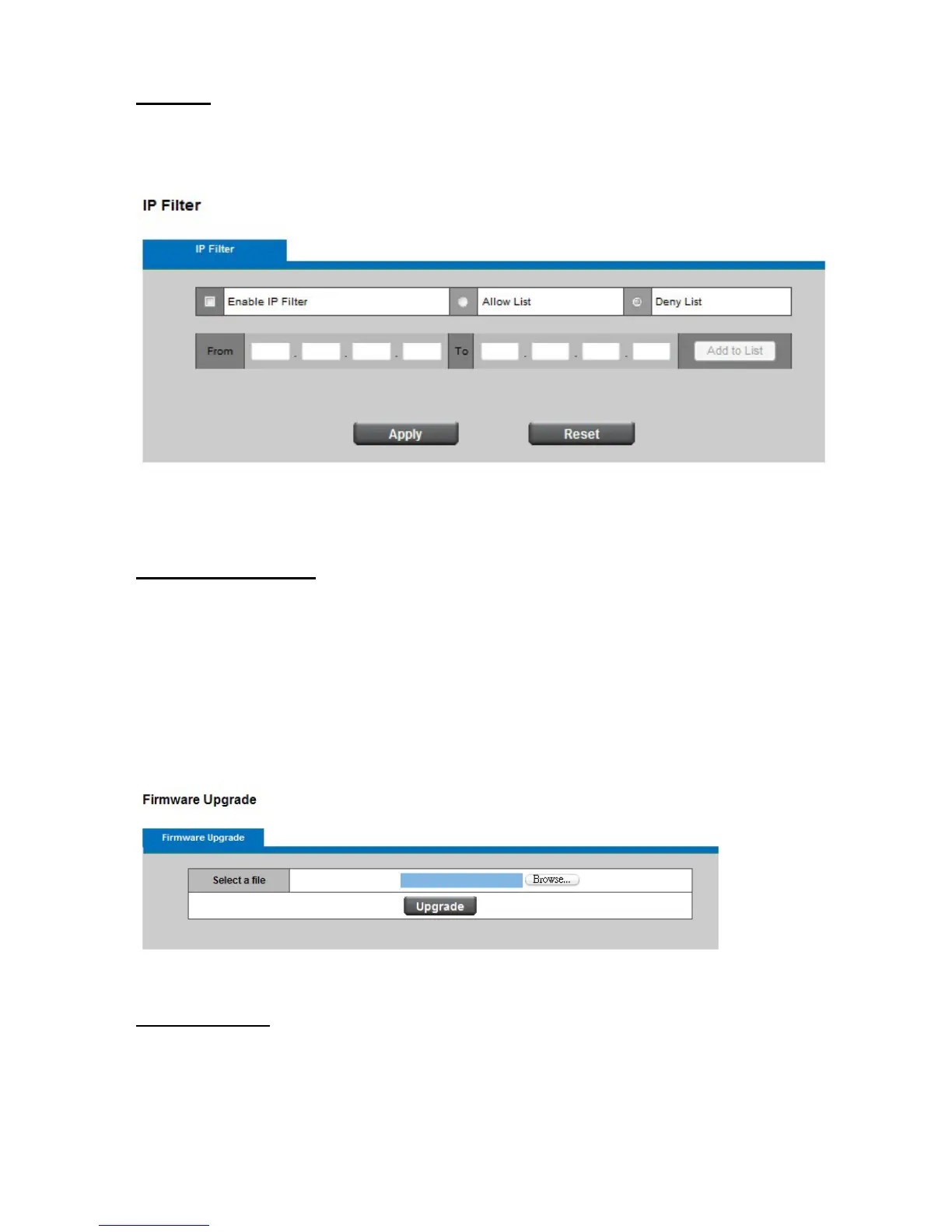
IP Filter
IP Filter: Enable the IP filter and set of allow or deny IP address range to server. Click Add to list
to add the IP range to the IP filter list.
Click Apply or Reset to take effect.
Firmware Upgrade
This feature allows you to upgrade the firmware on your Network Camera. It takes about
few minutes to complete the process. Note that do not power off the Network Camera
during the upgrade.
Upgrade: Click Browse… and specify the firmware file. Click Upgrade. The Network
Camera starts to upgrade and will reboot automatically when the upgrade completes.
Configuration
This feature allows you to export/import the configuration files of the network camera.
Import/Export: Click export to pop up a dialog to indicate the location and file to export.
Click browse to indicate the location and file of the camera configuration and click import















 To Next Page