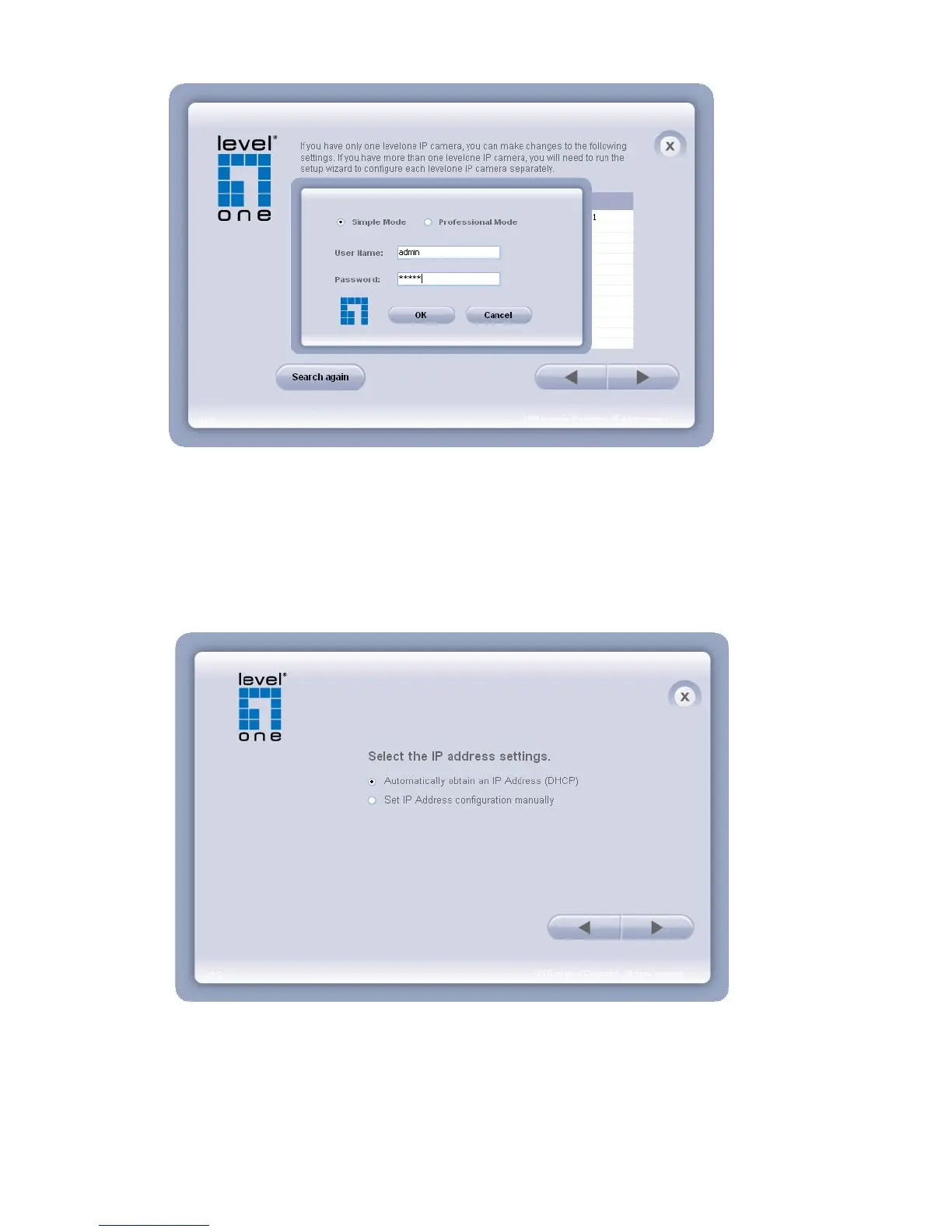
4. Setting the Network Camera IP address
User can either select simple mode or professional mode for network camera IP setting. If
simple mode is selected, the easy configuration program will set up the connection
automatically. If professional mode is selected, the user will need to configure the IP manually,
The DHCP setting is recommended. If user wants to set IP address manually, please refer to
the product user manual.















 To Next Page