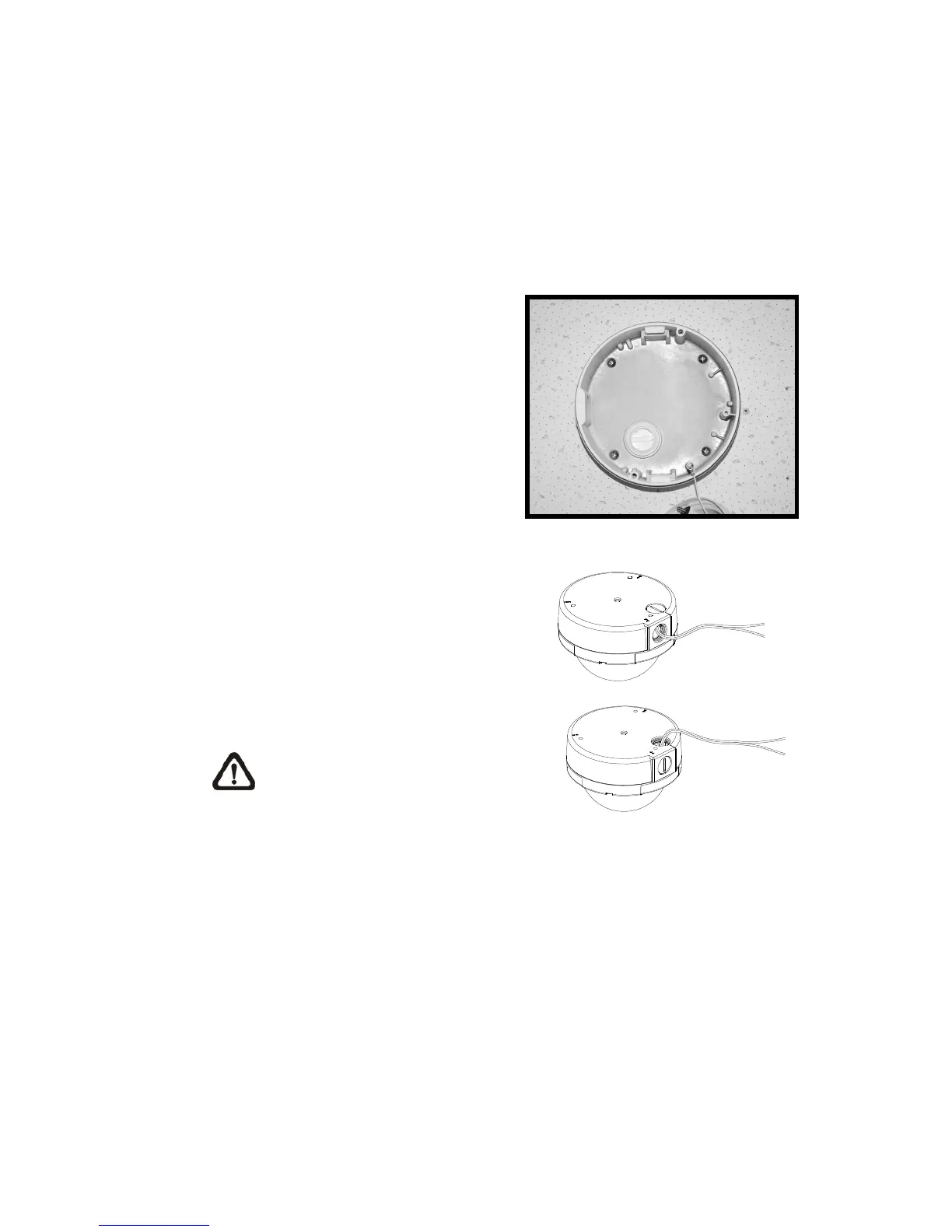
Step 7:
In the marked locations, drill each hole slightly smaller than the supplied
screw anchors.
Step 8:
Put supplied anchors into these drilled holes.
Step 9:
Fasten the Dome Camera’s housing
with the four equipped self tapping
screws.
Step 10:
Thread the power and Ethernet
cables through either the side conduit
entry or back conduit entry, as
illustrated. Users may use a coin to
screw off the conduit entry block.
NOTE: The Power Cable is
omitted if using PoE.















 To Next Page