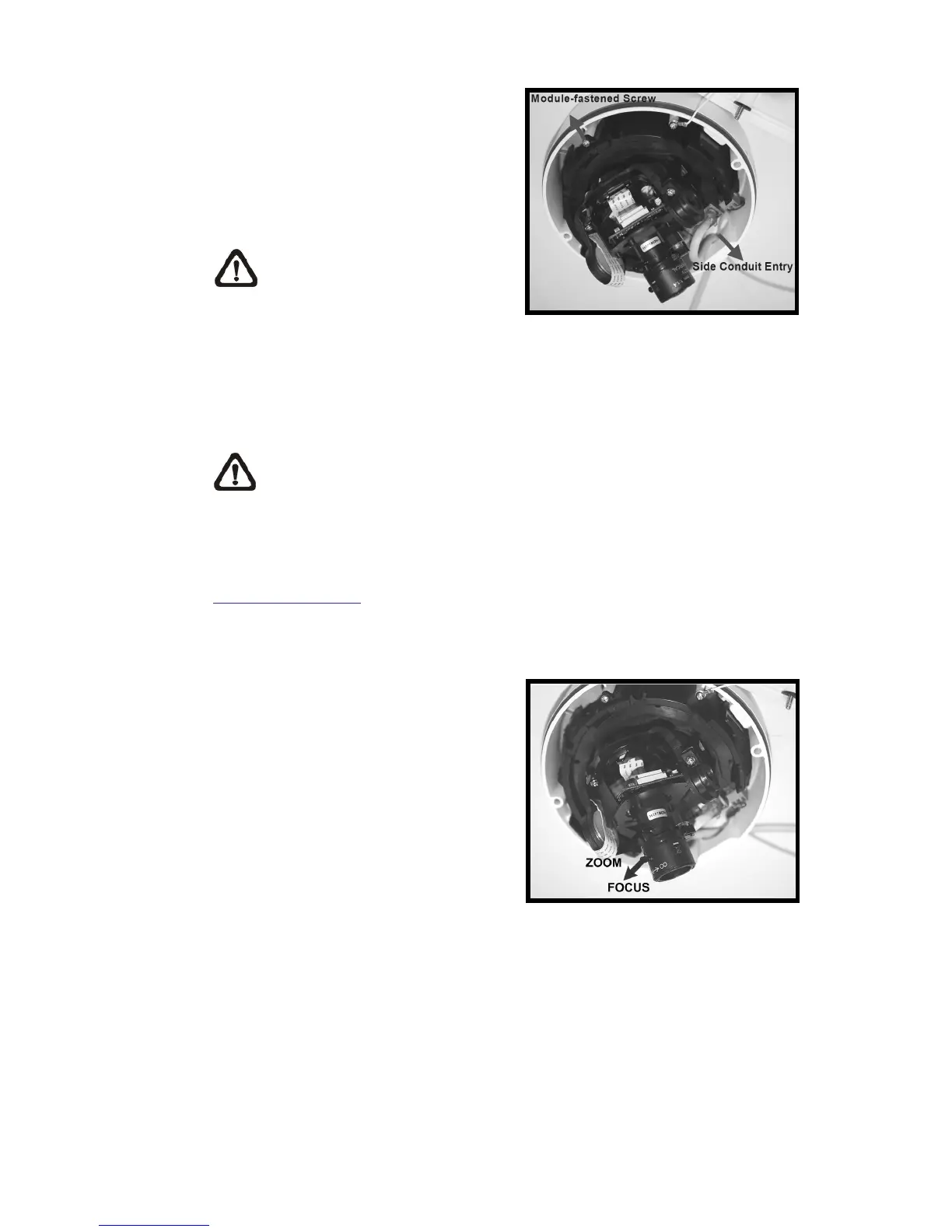
Step 12:
Attach the snap-on module into the
Dome Camera housing, and screw
the module-fastened screw tightly to
secure the camera module.
NOTE: The terminal blocks
should face the side conduit
entry, as shown in the figure.
Step 13:
Connect the power and network outputs.
NOTE: The Power Cable is omitted if using PoE.
STEP 14:
Access the camera browser-viewer for viewing images. Please refer to
Accessing Camera for further details. Users can also use the camera’s BNC
connector for video output.
Step 15:
Adjust the zoom ring screw to set the
desired zoom; subsequently,
modifying the focus ring screw to set
the desired focal length.















 To Next Page