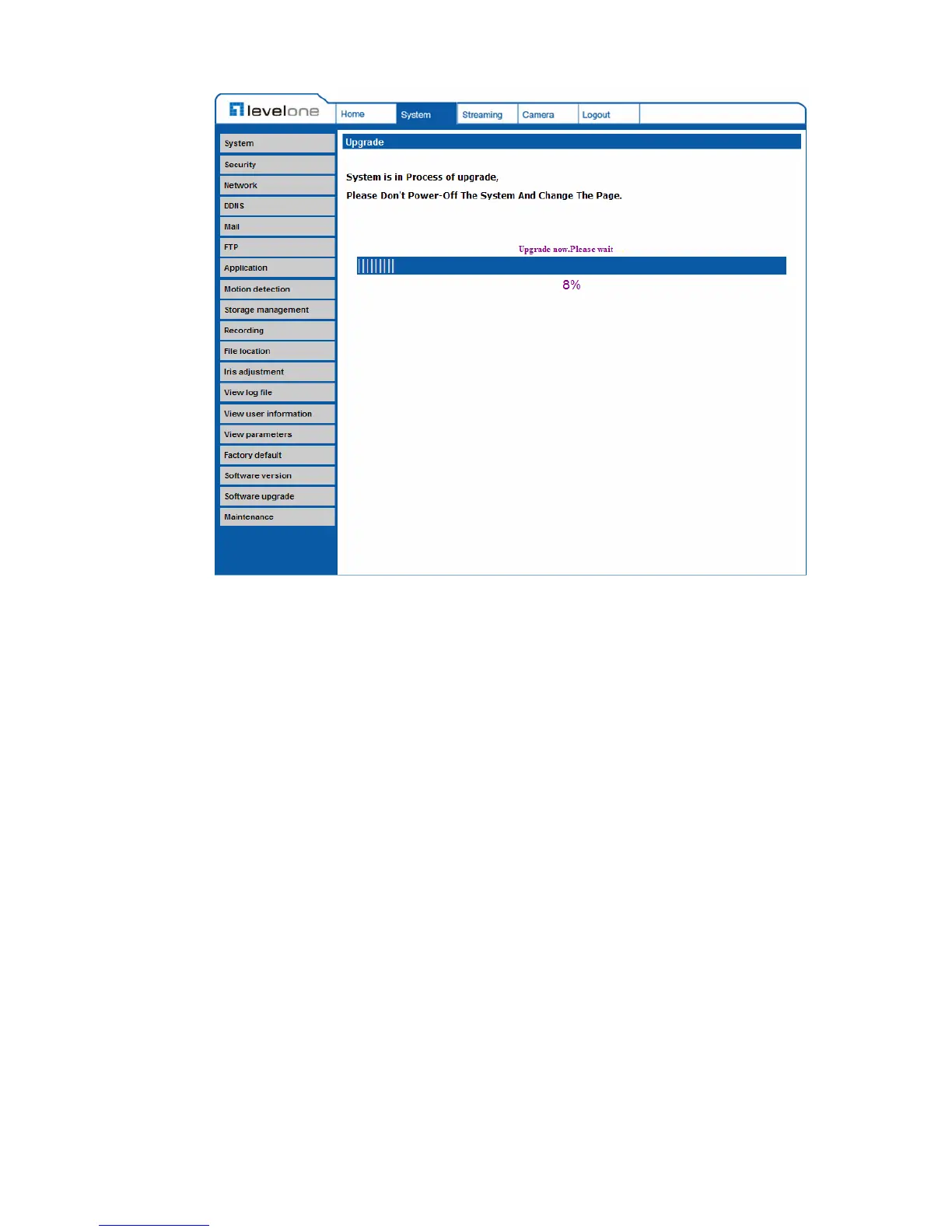
After the upgrade process is finished, the viewer will return to Home page.
Step 4: Close the video browser.
Step 5: Click “Control Panel”, and then double click “Add or Remove
Programs.” In the “Currently install programs” list, select “DCViewer”
and click the button “Remove” to uninstall the existing DC Viewer.
Step 6: Open a new web browser, re-login the IP Camera, and then allow the
automatic download of DC Viewer.















 To Next Page