Hardware Manual
11
Installing the Camera on a Surface
This section describes the procedures in installing the camera on a flat surface such as a hard or
dropped ceiling and straight or tilted walls. Before installation, make sure the wall or ceiling can
bear more than the weight of the camera.
Step 1: Drill the Holes
Before drilling the holes, note the direction of the connectors side of the camera, which is also the
opposite side of the camera logo. This influences the camera placement and where you should
drill the hole where the cables will pass through or how the cables will go along the ceiling or wall.
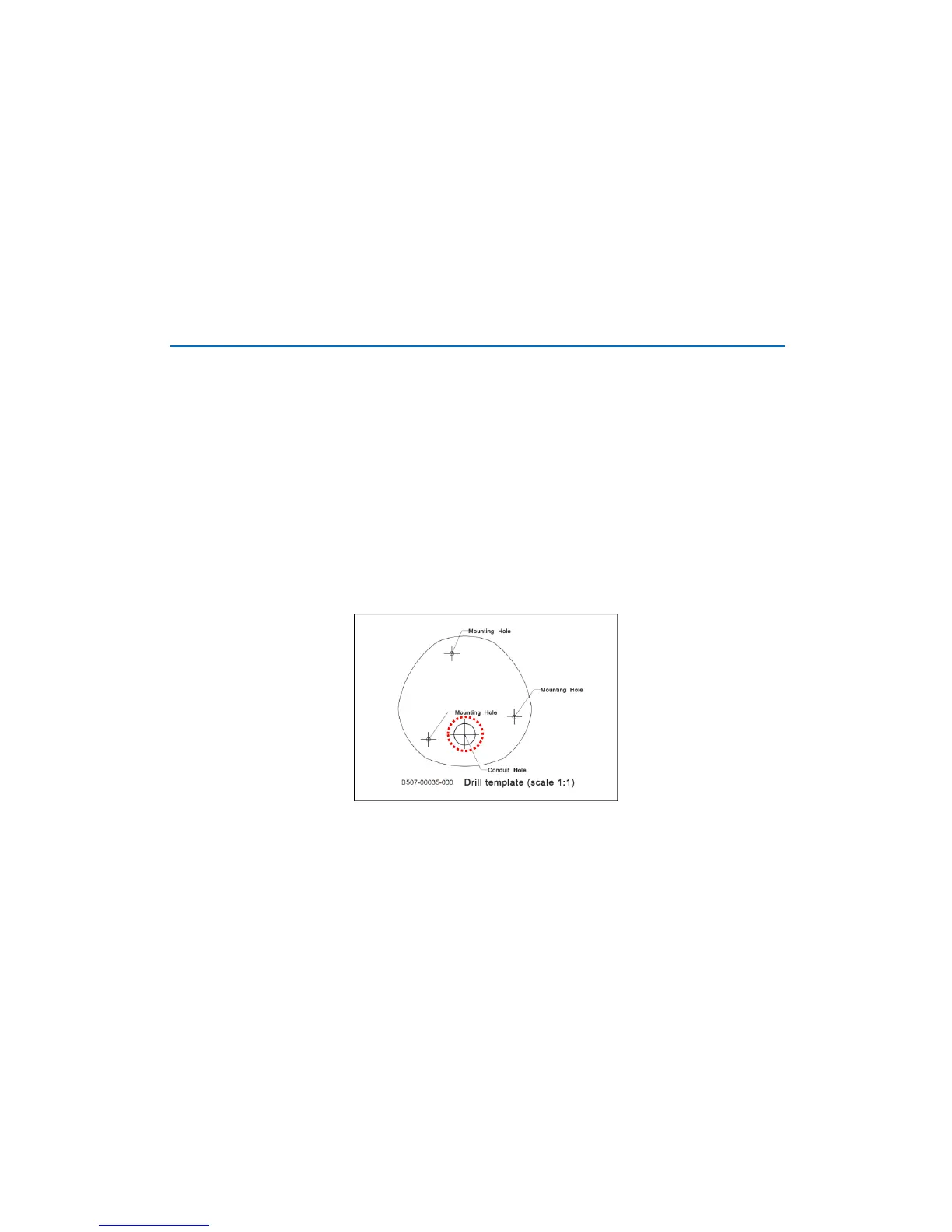
1. According to the preferred camera orientation, mark the screw holes location on the surface.
2. Determine how the cables will be routed: pass through the surface or along the surface.
If the cables will pass through the surface, drill the cable hole and the three (3)
screw holes on the surface.
If the cables will be routed along the surface, just drill the three (3) screw
holes on the surface.
3. Insert the plastic plugs into the screw holes, if necessary.



 To Next Page