Network Camera User’s Manual
59/63
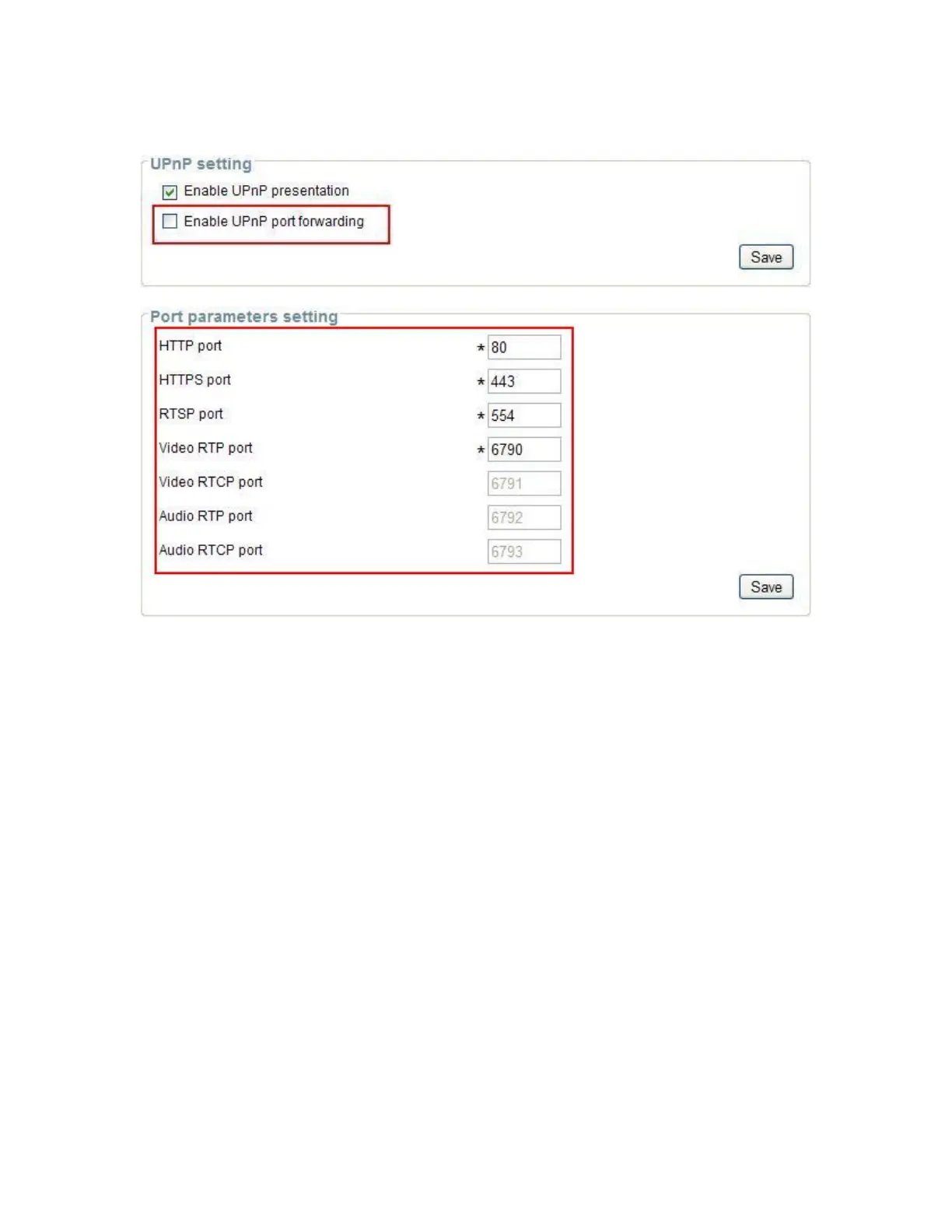
443 is HTTPS port.
2.Go to camera Network page. Disable UPnP port forwarding function.
3. Type IP address at browser. Then you can see camera through Internet.
Note: The firewall software at PC may block the transfer of network camera.
Please remove or stop the kind software.
Q4: How can I find the network camera in the local area network?
A4: By using the IP Finder2 program or using UPnP to find it.
Q5: IP Finder2 program cannot find Network Camera in the local area
network at first time?
A5: Make sure the subnet of network camera is same as your PC. If the local area
network supports DHCP, the camera is ―Get IP address automatically‖ in the ―Network‖
page default. If the local area network does not support DHCP, change your PC IP
address to ―192.168.0.xxx‖.
Q6: How can I restore the network camera to default value?
A6: Use a gem clip to press on the inside button. Network camera begins to restore
default value. You can also press the button “Factory” in ―Maintenance‖ page to restore
the default value.















 To Next Page