Wireless LAN Access Point Configuration
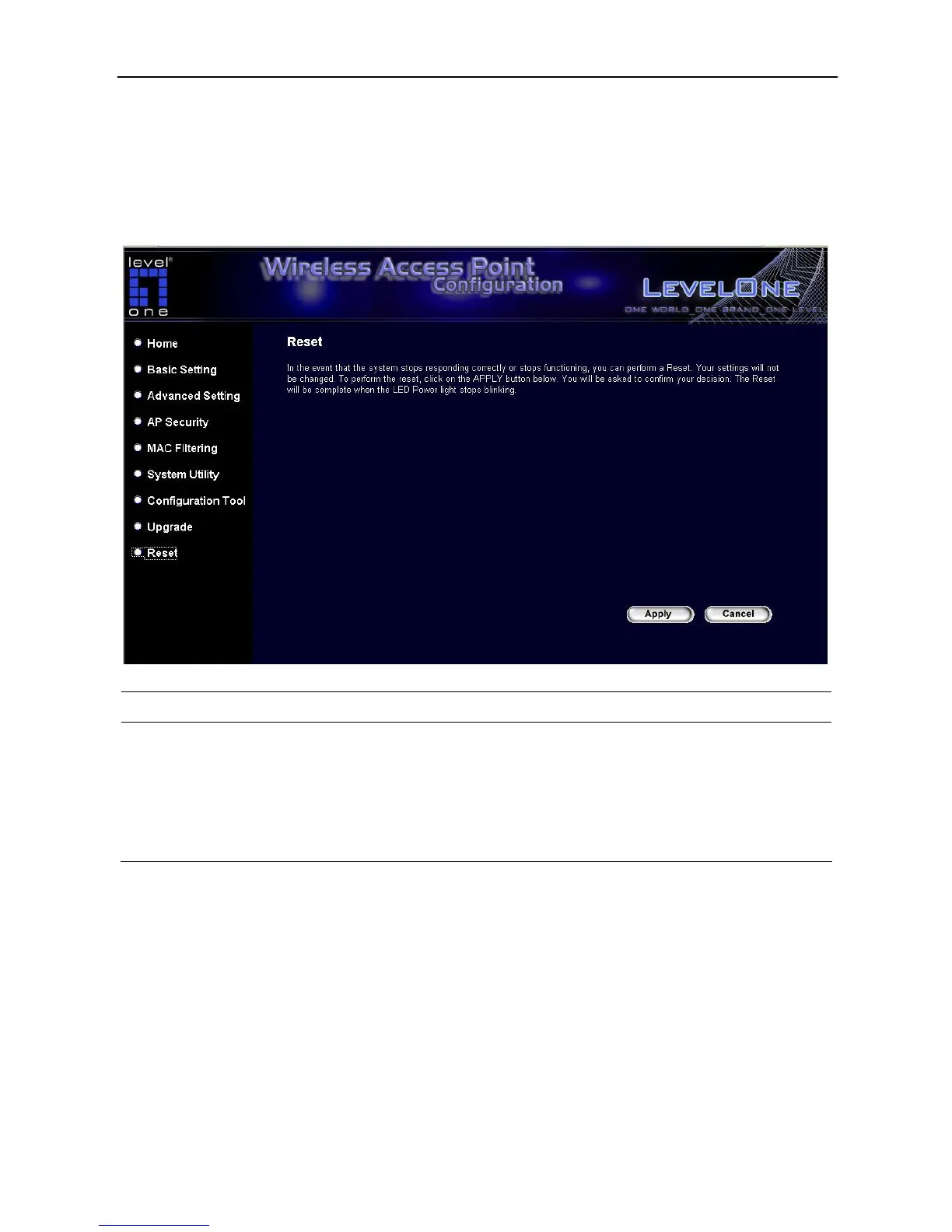
3.2.9 Reset
User can reset the Access Point’s system should any problem exist. The reset function
essentially Re-boots user’s Access Point’s system.
Parameter Description
Reset
In the event that the system stops responding correctly or in some way stops
functioning, user can perform a reset. User’s settings will not be changed.
To perform the reset, click on the Apply button. User will be asked to confirm
user’s decision. Once the reset process is complete user may start using the
Access Point again.
42














 To Next Page