Configure with the Setup Wizard
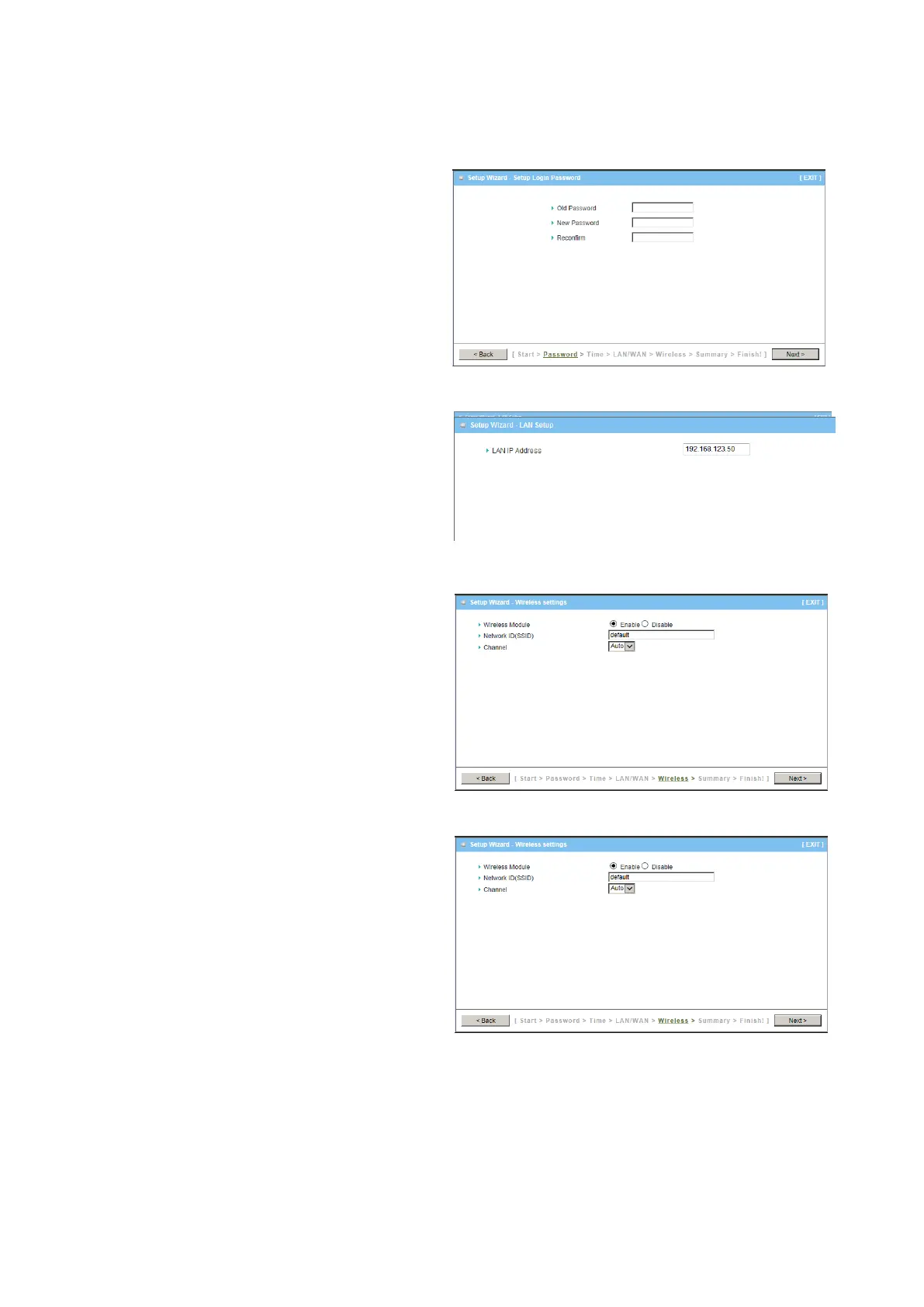
Step 1
You can change the password of
administrator here.
Step 2
LAN IP Address.
You have to change the IP address of
this device according to your network
configuration.
Step 3-1
Wireless settings.
You can specify the Wireless setting for
VAP1.
Step 3-2
Wireless settings.
Specify VAP1’s wireless authentication
and encryption.















 To Next Page