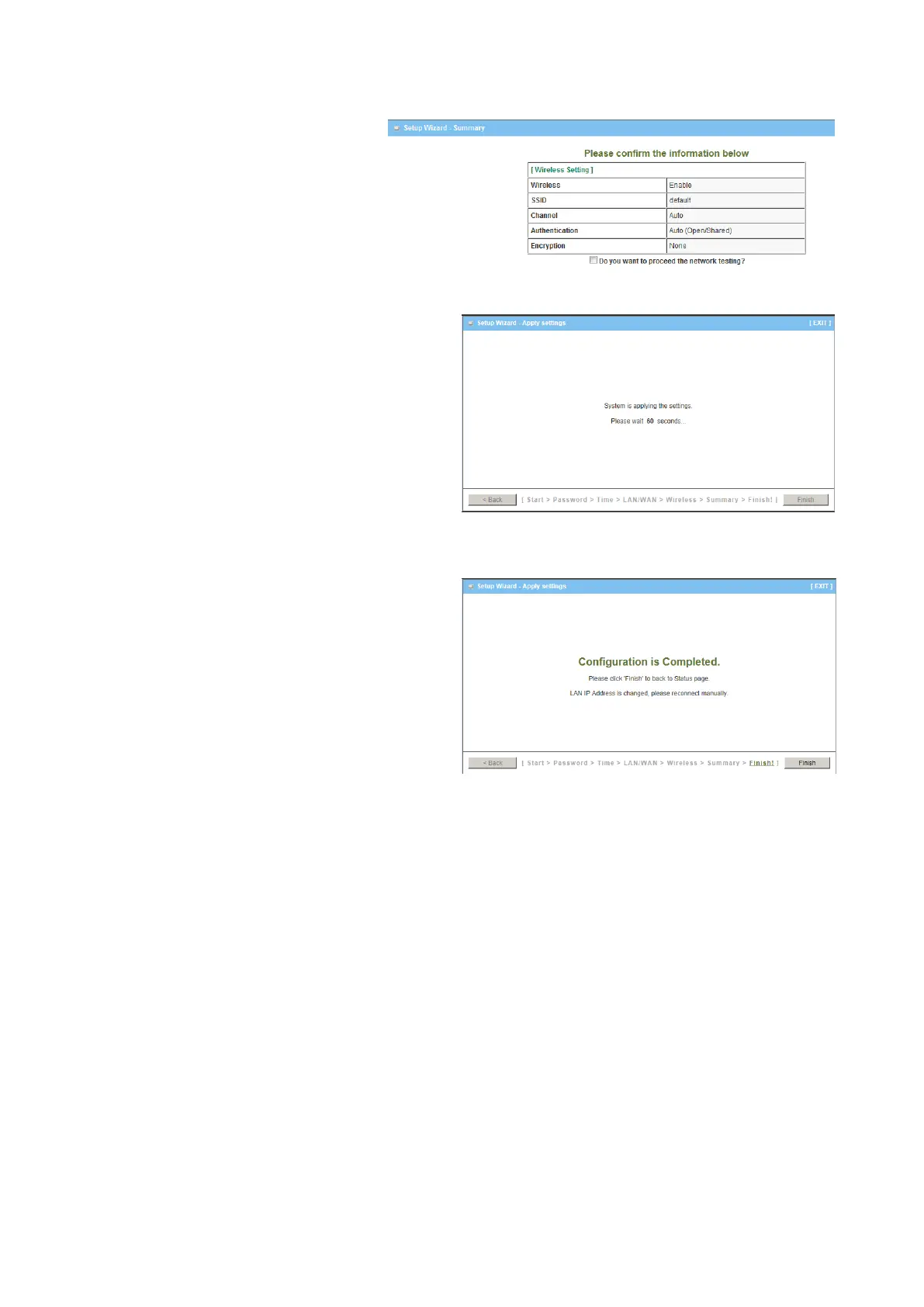
Step 4
Check the information again.
Step 5
System is applying the setting.
Step 6
Click finish to complete it.
2.2 Use WEC Button to Setup Wireless Profiles
WEC (Wireless Easy Connection) is an easy configuration feature that is similar to
well-known WPS function. It can be used to duplicate one device’s wireless configuration
to the other AP devices from the same manufacture by clicking one button for both
devices.
There are two alternative AP modes defined for the device to operate with WEC (Wireless
Easy Connection) feature. One is the Master Mode (by default), and the other is the Slave
Mode. Before starting to use WEC to configure your AP devices, you have to learn how to
identify and set the device in the Master Mode, or the Slave Mode (As stated in Section
1.2.4 and 1.2.5).















 To Next Page