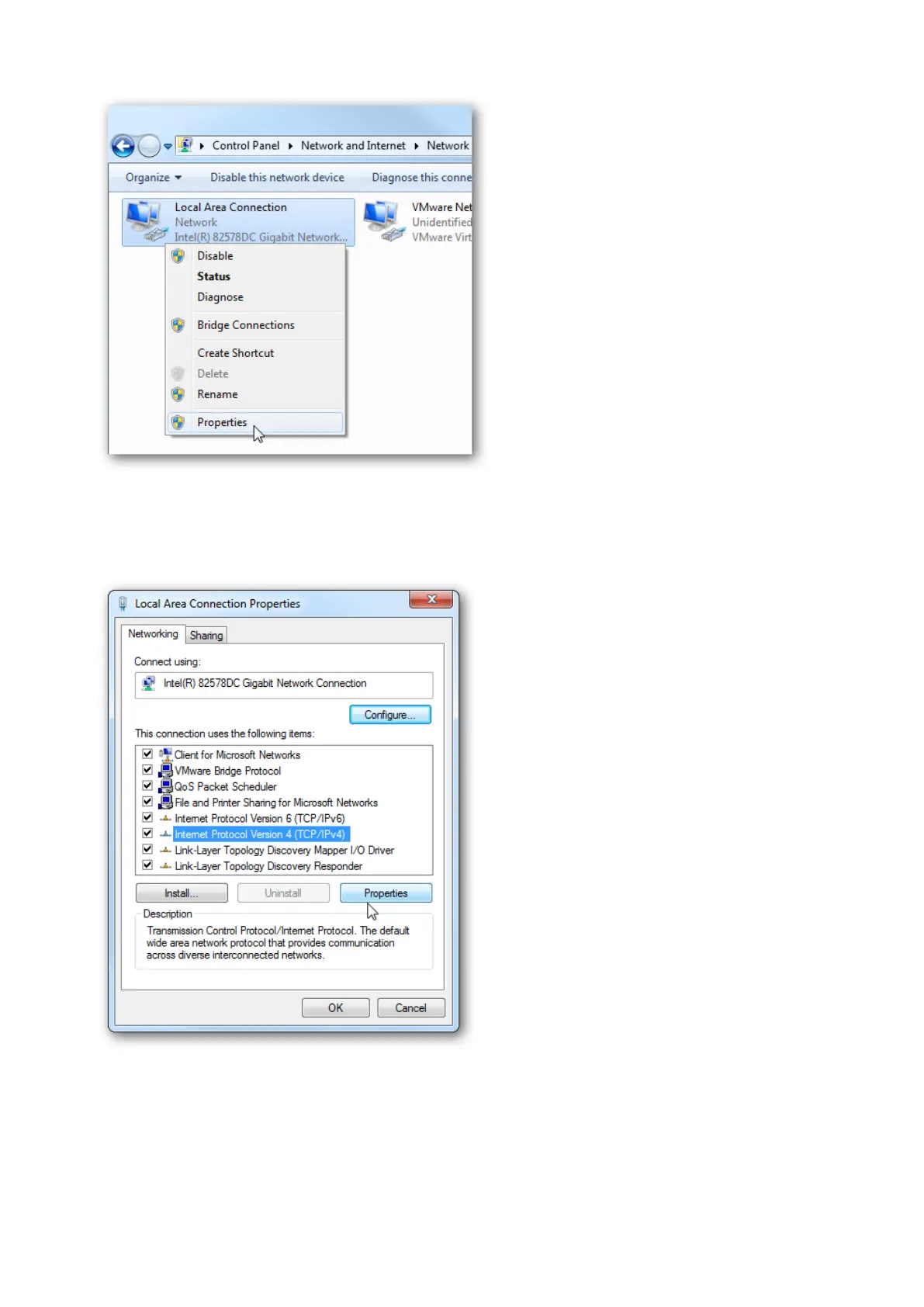
In the Local Area Connection Properties window highlight Internet Protocol Version 4
(TCP/IPv4) then click the Properties button.
Now select the radio button Use the following IP address and enter in the correct IP,
Subnet mask, and Default gateway that corresponds with your network setup. Then enter
your Preferred and Alternate DNS server addresses. Here we’re on a home network and
using a simple Class C network configuration and Google DNS.
Check Validate settings upon exit so Windows can find any problems with the addresses















 To Next Page