Chapter 3 Web-Based Management
3.1 Start the Web-Based Management Interface
The device uses Web as the management interface. You can use a browser to access the
management interface easily. Please follow the steps listed below.
1. Open the Internet Web browser.
2. Type 192.168.1.1 into the URL Web address location and press Enter.
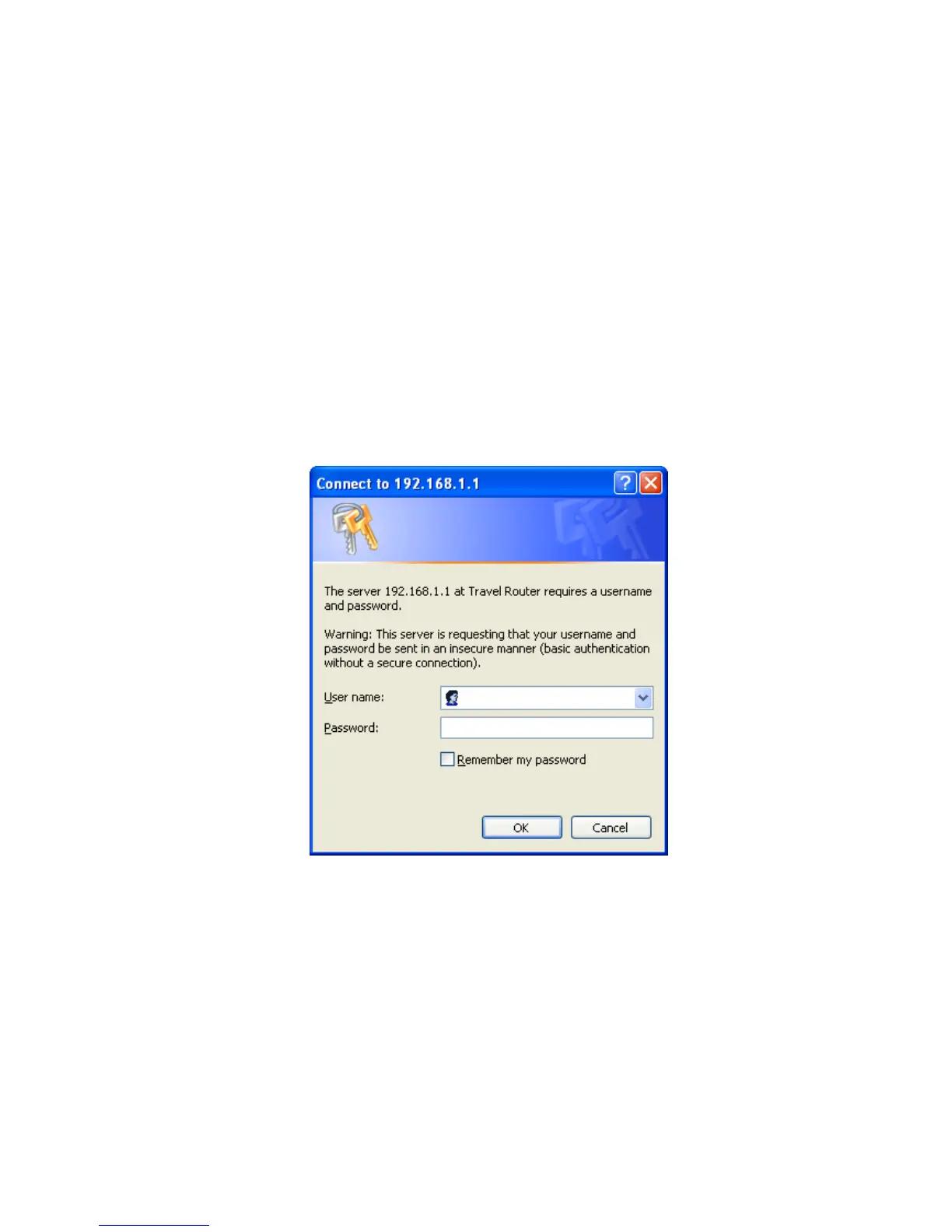
3. The Login window appears.
- Enter admin in the User Name location (default value).
- Enter admin in the Password location (default value).
- Click OK button.














 To Next Page