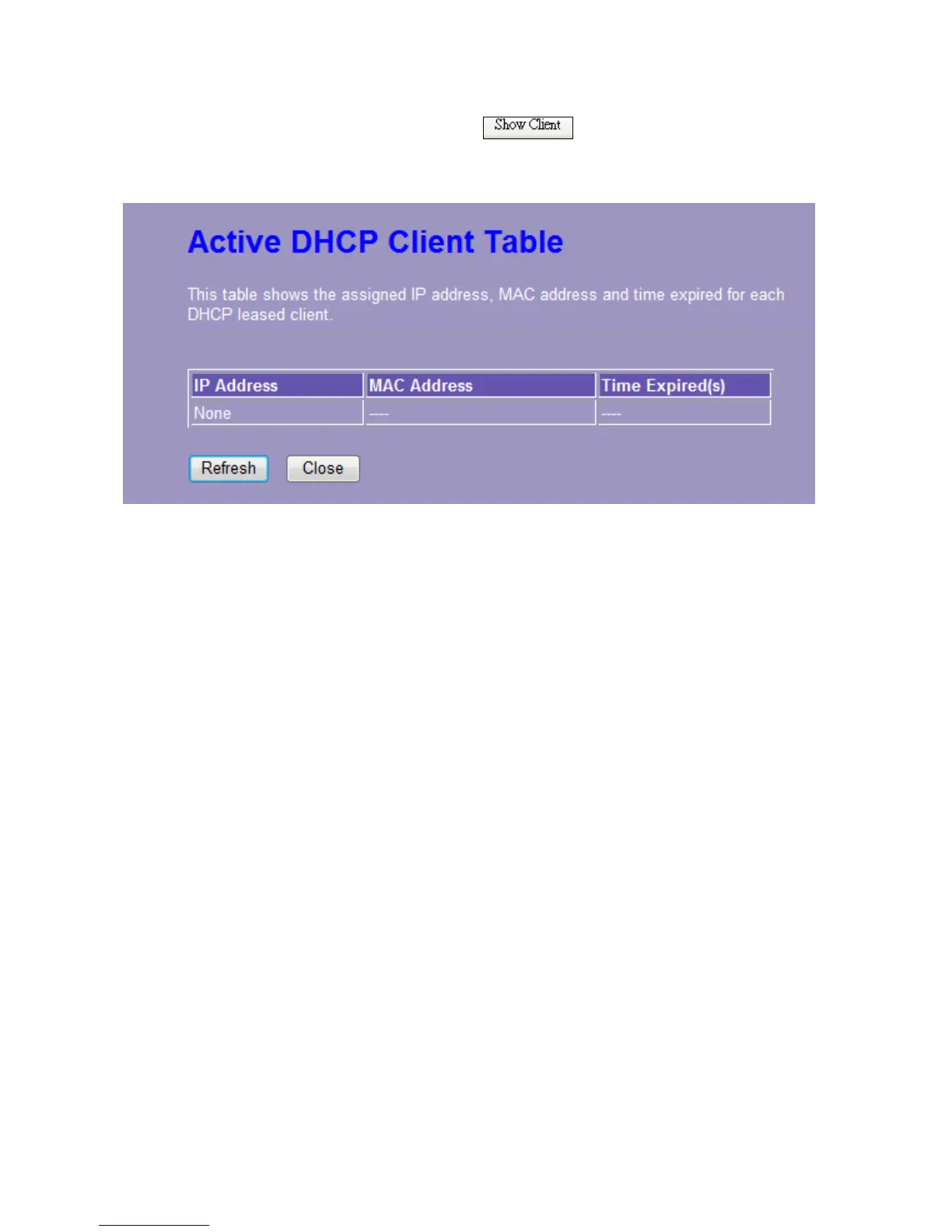
Active DHCP Client List
This is the window that pops up after clicking the button. It shows the information
of IP address, MAC address and expire time of the DHCP clients that have connected with this
device.
3.5.2 WAN Interface Setup (Router mode and Client mode Display)
This page allows users to configure those parameters for connecting to Internet. You may
select the Internet connection type from the drop list besides “WAN Access Type” and configure
the parameters for each mode. There are three modes for your selection: Static, DHCP and
PPPoE.














 To Next Page