3.4.3 Security
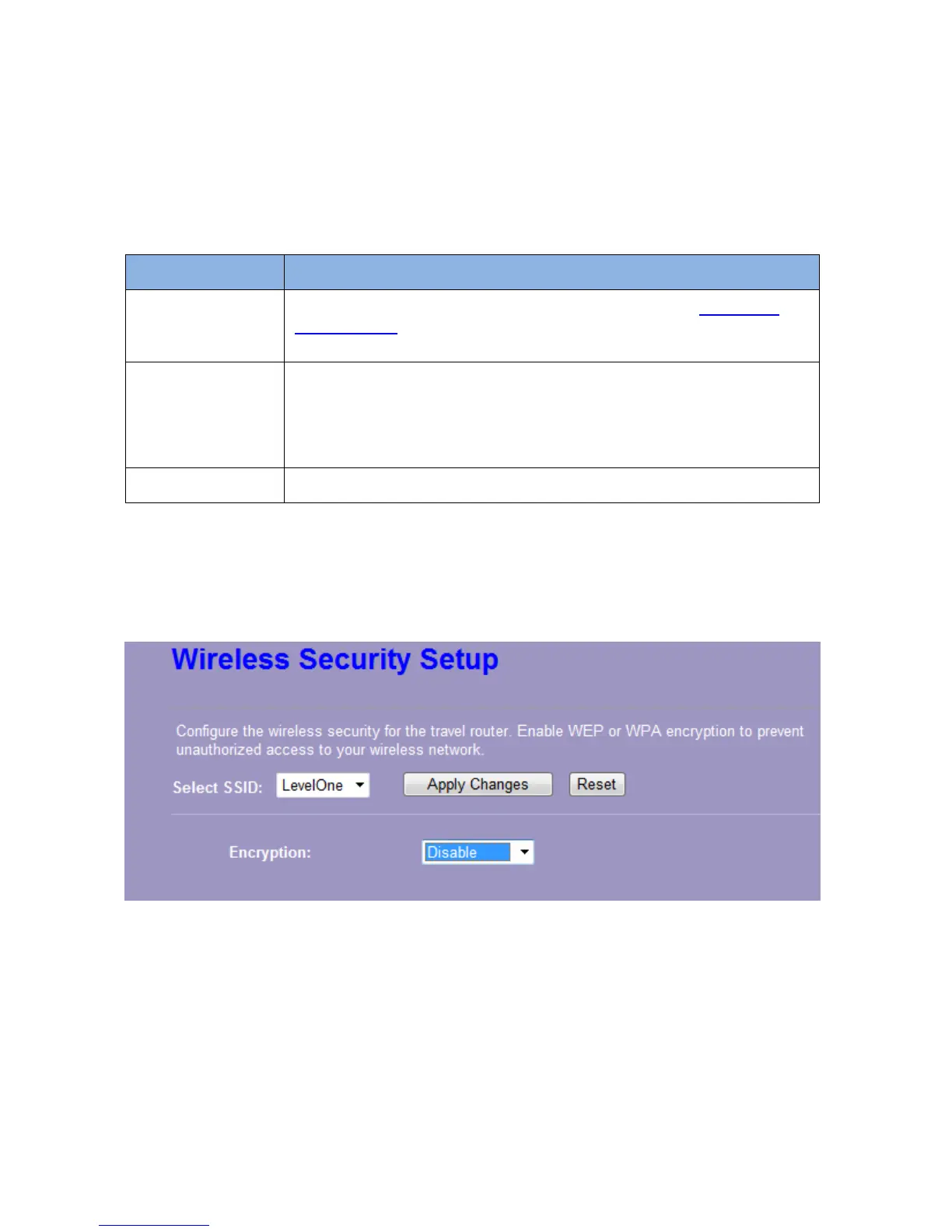
The Security function protects your wireless network from invasion. We provide WEP and WPA
encryption to secure your wireless network. Please select “Disable”, “WEP”, “WPA-PSK”,
“WPA2-PSK”, or “WPA2-Mixed” in the drop list. If you select “Disable”, any data will be
transmitted without encryption and any station can access the router.
Items Information
Select SSID
Please choose a SSID you have set for this router in the
Wireless >
Basic Settings from the drop-down list. The SSID will be shown on the
wireless network for recognizing.
Encryption
There are 5 modes for you to select: Disable, WEP, WPA-PSK,
WPA2-PSK and WPA2-Mixed. Please refer to the following description.
Note: WEP & TKIP unsupported in 11n Mode, It's only support in 11g
mode. WPA2-Mixed Encryption unsupported in Client mode.
Show Password
Select to show the password or not.
* Please click on the Apply Changes button or the Reset button to save/reset the configurations.
1. Security Mode – Disable
Select “Disable” means to access your wireless network without any encryption.














 To Next Page