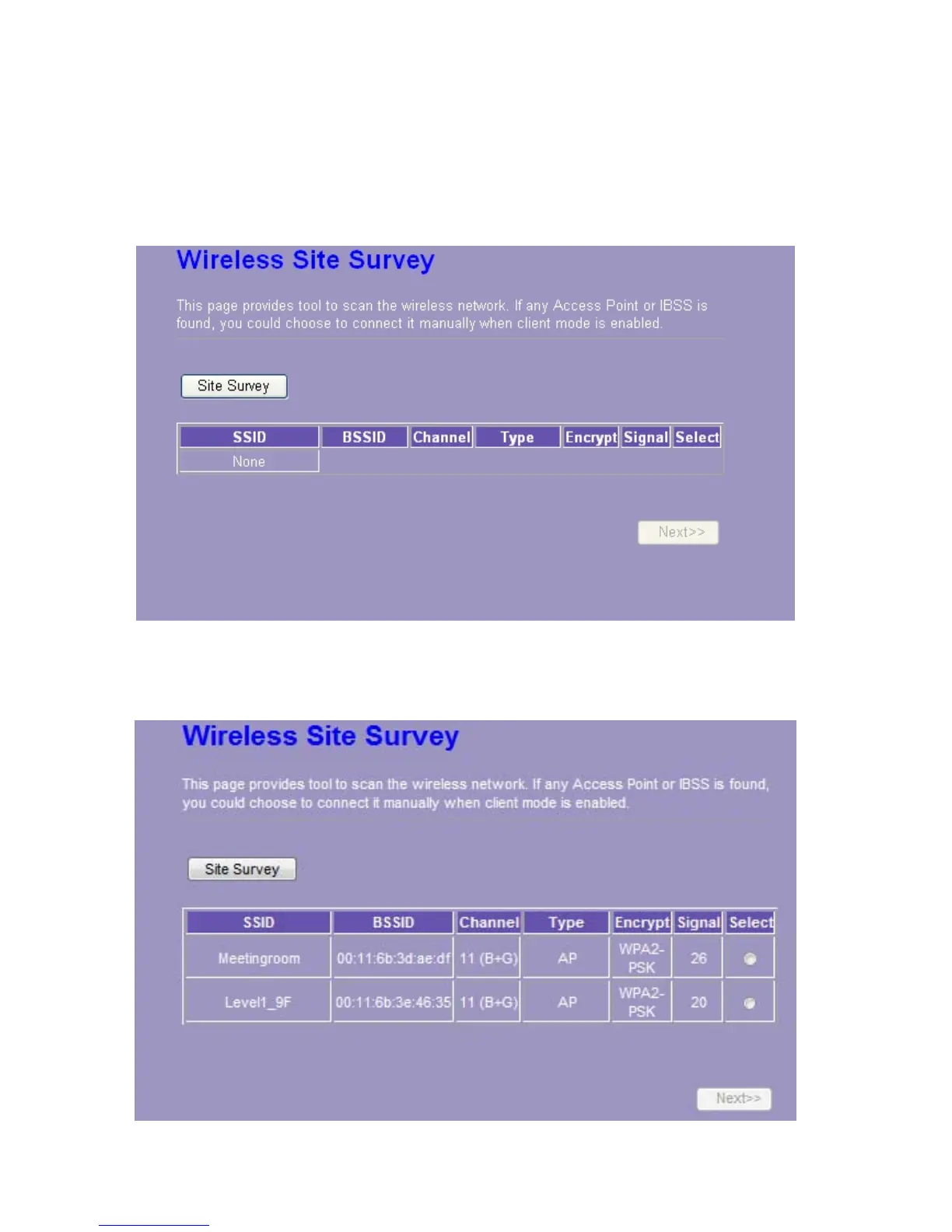
3.4.5 Wireless Site Survey (only in AP mode and Client mode)
If you are under the Wireless Client mode, click Wireless > Wireless Site Survey in the menu
links to display the screen as shown below.
1. The following page which provides tool to scan the wireless network pops out.
2. Click the “Site Survey” button can scan nearby Router and AP. This page shows the
available wireless networks information. When you use this device as a station (STA), you may
connect to other AP.














 To Next Page