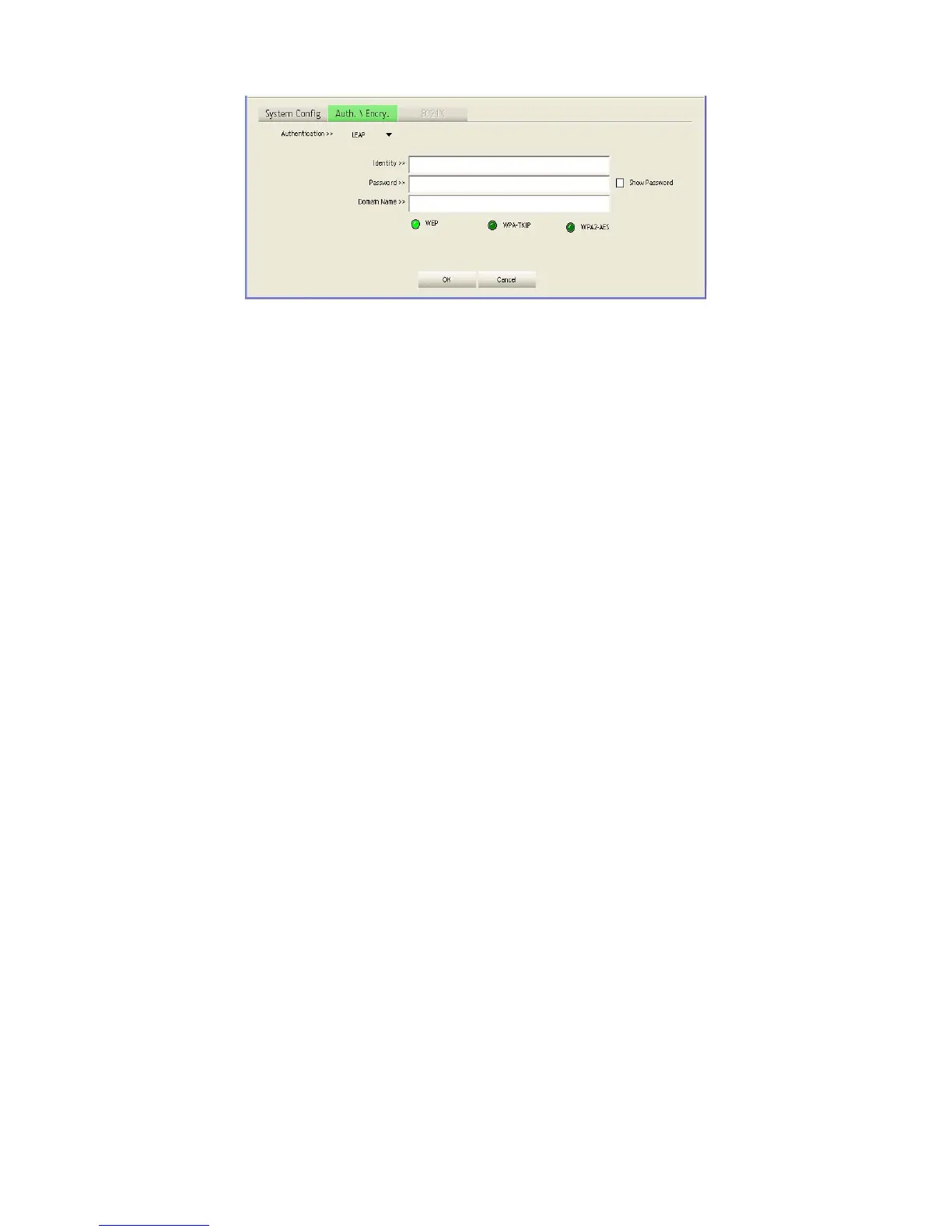
Click OK to confirm the configuration or click Cancel to cancel the settings.
WPA / WPA-PSK: Wi-Fi Protected Access (WPA) employs a combination of technologies to provide
an enhanced security solution for wireless networks. The WPA Pre-shared Key (WPA-PSK) mode for
small networks uses a common password phrase that must be manually distributed to all clients that
want to connect to the network.
WPA2 / WPA2-PSK: WPA2 is a further security enhancement that includes the now ratified IEEE
802.11i wireless security standard.
Encryption
Configure the encryption. For open and shared authentication mode, the selection options are None
and WEP. For WPA, WPA2, WPA-PSK and WPA2-PSK authentication mode, the encryption type
supports both TKIP and AES.
None: No encryption is used.
WEP: Enables the Wireless USB Adapter to use WEP shared keys. If enabled, you must configure at
least one key. Wired Equivalent Privacy (WEP) provides a basic level of security, preventing
unauthorized access to the network and encrypting data transmitted between wireless clients. WEP
uses static shared keys (fixed-length hexadecimal or alphanumeric strings) that are manually
distributed to all clients that want to use the network.
TKIP: Use Temporal Key Integrity Protocol (TKIP) keys for encryption. WPA specifies TKIP as the
data encryption method to replace WEP. TKIP avoids the problems of WEP static keys by
dynamically changing data encryption keys.
14















 To Next Page