17
3 INSTALLATION INSTRUCTIONS
Installing Solid Core CTs
1. Route CT wires through the conduit if not already done.
2. Trim the wire to the appropriate length to avoid coils of excess wiring.
3. Strip wiring to approximately .300 inches and connect to the appropriate
terminals as described above.
4. With power turned off, disconnect each monitored conductor and slide on a CT,
ensuring the CT is correctly oriented as noted above.
5. Reconnect the conductors.
Installing Split Core CTs
1. Route CT secondary wires through conduit if not already done.
2. Trim the wire to the appropriate length to avoid coils of excess wiring.
3. Strip wiring to approximately .300 inches.
4. Connect the CT leads to the appropriate meter as described above.
5. With power to the conductors turned off, place one CT around each conductor,
ensuring that the white dot is facing the line side.
6. Current and voltage inputs must be installed ‘in phase’ for accurate readings
(e.g. CT1 on Line 1, CT2 on Line 2) Orientation is critical. Ensure that all CTs
are properly oriented with the white label facing the line side of the circuit.
Failure to install CTs in the correct orientation and on the correct
phase will lead to inaccurate meter readings.
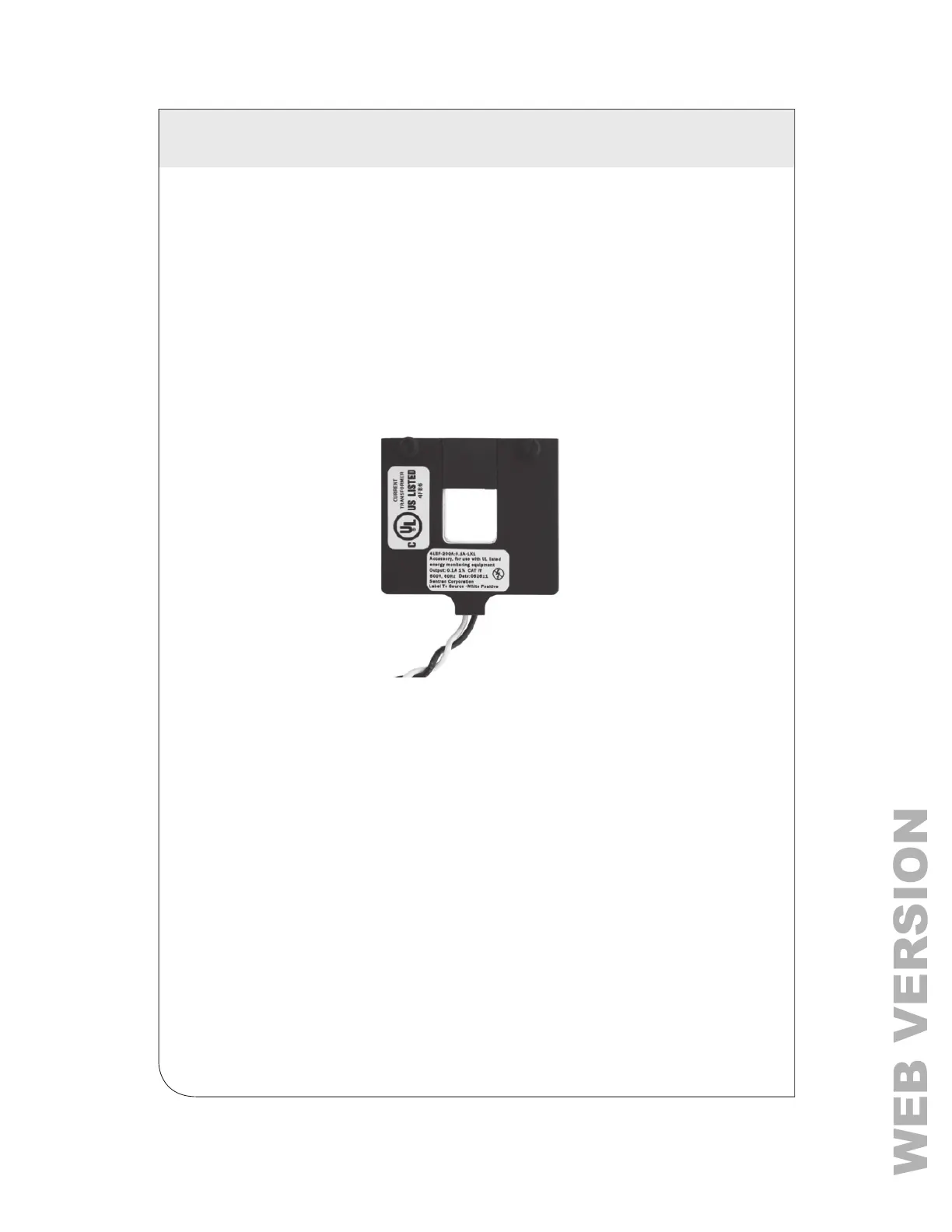
Figure 6: Leviton Split Core CTs
Failure to install CTs in the correct orientation and on the correct phase
will lead to inaccurate meter readings.



 To Next Page