49
7.3 Conguring Element and Channel Register for Service Types
The Power Meter Viewer Utilities software enforces all element congurations
to form a valid electrical system. Congurations performed by remote systems
may produce unexpected results if congurations are internally inconsistent. The
following tables document how to congure element and channel registers for each
service type. Every register should be explicitly written.
RED text indicates Required Values.
PURPLE text indicates Suggested Defaults, if data is unknown.
Modb
us Absolute Address/BACnet Object Assignments for Setting up Service Types
Congurations
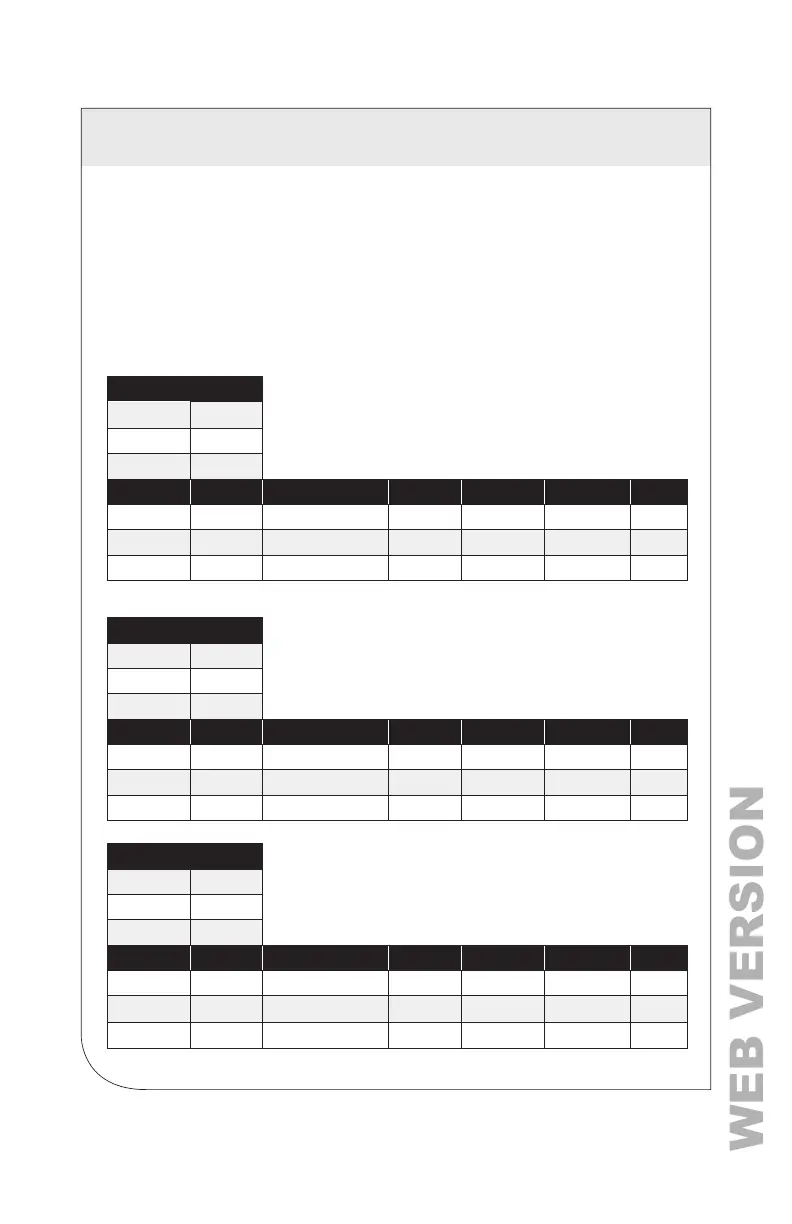
Register Template
Service Type 2207
V_Input
2217
Description 2617
Channels Volt Ref CT Type Range Phase Shift CT Multiplier CT Sign
CH1 2220 2223 2224,2225 2224,2225 2221,2222 2226
CH2
2229 2232 2227,2228 2233,2234 2230,2231 2235
CH3 2238 2241 2236,2237 2242,2243 2239,2240 2244
4 Wire, 3 Phase (Wye)
Service Type 1
V_Input 1 or 2
Description
31 Char
Channels Volt Ref CT Type Range Phase Shift CT Multiplier CT Sign
CH1 L1 – N [1] mV [1] or RoCoil [2] Any > 0A -3.0˚ to +3.0˚ Any > 0 [1] 0 or 1
CH2 L2 – N [2] mV [1] or RoCoil [2] Any > 0A -3.0˚ to +3.0˚ Any > 0 [1] 0 or 1
CH3 L3 – N [3] mV [1] or RoCoil [2] Any > 0A -3.0˚ to +3.0˚ Any > 0 [1] 0 or 1
3 Wire, 3 Phase (Delta)
Service Type 2
V_Input 1 or 2
Description
31 Char
Channels Volt Ref CT Type Range Phase Shift CT Multiplier CT Sign
CH1 L1 – N [1] mV [1] or RoCoil [2] Any > 0A -3.0˚ to +3.0˚ Any > 0 [1] 0 or 1
CH2 L2 – N [2] mV [1] or RoCoil [2] Same as 1 Same as 1 Same as 1 0 or 1
CH3 L3 – N [3] mV [1] or RoCoil [2] Same as 1 Same as 1 Same as 1 0 or 1
Even though CH2 is calculated internally, it is recommended that
the CT settings reect those from CH1, rather than left at the factory
default settings to facilitate conguration validation from the RTU.
7 RTU PROGRAMMING AND SCRIPTING



 To Next Page