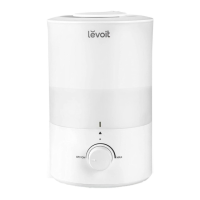
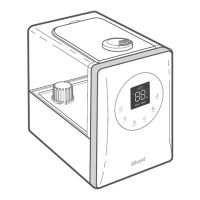
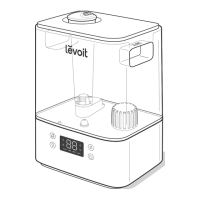
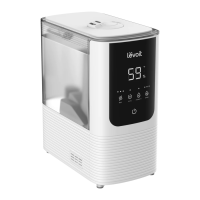
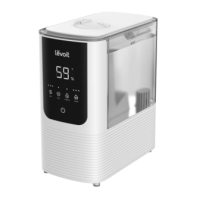
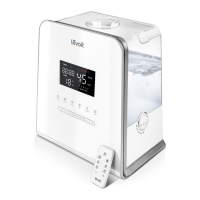
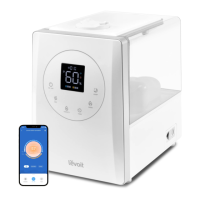
The Levoit Dual 200S Smart Top-Fill Humidifier is designed to improve air quality by adding moisture to the environment, making it more comfortable and healthier. This smart humidifier can be controlled both manually and through the VeSync app, offering a range of features for personalized use and convenience.
Function Description
The primary function of the Levoit Dual 200S is to humidify a room by releasing a fine mist into the air. It features a top-fill design, making it easy to refill the water tank without removing it from the base. The humidifier operates with a water tank capacity of 3 liters (0.66 gallons), providing up to 25 hours of continuous mist on the low setting. It is suitable for rooms ranging from 10 to 27 square meters (107-290 square feet).
One of its key features is the Smart Auto Mode, which uses a built-in sensor to automatically adjust the mist level to maintain a comfortable and healthy humidity range, typically between 40% and 50% relative humidity. Users can customize this target humidity level through the VeSync app. In Auto Mode, the humidifier will stop misting if the humidity reaches the highest target level and resume when it drops below. If Automatic Stop is turned off in the app, the humidifier will continue running on a low mist level even after reaching the target humidity.
The humidifier also offers aromatherapy capabilities. Users can add 10–15 drops of pure essential oil into the base chamber to diffuse scents into the room.
Usage Features
The Levoit Dual 200S can be operated via its control panel or through the VeSync app, providing flexibility and enhanced control.
Manual Control:
- Power Button: Turns the humidifier on/off. Pressing and holding for 5 seconds initiates pairing with the VeSync app, while holding for 15 seconds resets the humidifier to default settings and disconnects it from Wi-Fi® and the app.
- Mist Level Button: Cycles through mist level settings: Low, High, and Auto Mode. Pressing and holding this button for 3 seconds turns off the display and automatically sets the mist level to Auto Mode.
- No Water Indicator: Blinks when the water tank is empty, and the humidifier will turn off after 10 blinks. It also lights up when the water tank is removed from the base and remains on until the tank is replaced.
- Wi-Fi® Indicator: Shows the pairing status with the VeSync app.
- Timer Indicator: Indicates if a timer has been set (only configurable via the VeSync app).
- Humidity Level Display: Shows the current humidity percentage in the room.
- Mist Level Indicator: Displays the current mist setting (Auto, Low, High).
- Adjustable Nozzle: The mist nozzle can be rotated to direct the mist away from walls, furniture, bedding, and appliances.
VeSync App Control:
The VeSync app unlocks additional smart functions, allowing users to:
- Remote Control: Turn the humidifier on/off, cycle through mist levels, and enable/disable Auto Mode from anywhere. Users can also turn the display lights on/off and customize Auto Mode settings, such as target humidity and auto-off.
- Monitor Humidity Levels: Check the current humidity levels in the humidifier's environment directly from the app.
- Set Timers & Schedules: Program individual timers or create custom schedules for the smart humidifier to operate at specific times.
- Third-Party Voice Control: The humidifier is compatible with Amazon Alexa and Google Assistant™, enabling voice commands for hands-free operation.
Getting Started and Refilling:
- Remove all packaging and any tape from the float.
- Rinse and reassemble all parts before first use. Ensure the water filter is correctly in place by rotating it clockwise to secure it.
- Place the humidifier on a hard, flat, water-resistant surface, at least 30 cm (12 inches) away from walls.
- To fill, remove the water tank cover by pulling up the nozzle.
- Fill the tank with room-temperature purified or distilled water, ensuring not to exceed the max water line. Do not use hot water or add water directly into the base chamber or through the mist tube, as this can damage the device and cause leaks.
- Replace the water tank cover, ensuring the nozzle is correctly positioned over the mist tube.
- Optionally, add essential oil to the base chamber for aromatherapy.
Important Usage Tips:
- Ensure the float in the base chamber is securely in place.
- The humidifier requires the correct water level in the base chamber to produce mist. If there is too much water, it cannot create mist.
- Avoid moving or shaking the humidifier while it is operating, as this may cause excess water to release into the base chamber.
- Before moving the humidifier, turn it off, unplug it, and remove the water tank.
- If the humidifier does not produce mist correctly, check the max water line in the base chamber and pour out any excess water if needed.
Maintenance Features
Regular cleaning is crucial for the optimal performance and longevity of the Levoit Dual 200S Humidifier, as well as for preventing the growth of biological organisms.
Cleaning Reminder:
The humidifier tracks its operating time. After 72 hours of use (including when it's off but still counting), the display will show "CL" and beep as a reminder to clean the humidifier. Pressing any button or unplugging the humidifier will reset this reminder.
General Maintenance Guidelines:
- Perform all maintenance on a water-resistant surface, such as a kitchen counter.
- Change the water daily to prevent bacteria growth.
- Regularly clean the nozzle with a tissue or cloth.
- If storing the humidifier for a week or longer, empty and dry it completely.
- Never immerse the base, power cord, or plug in water.
- Do not use detergents to clean the humidifier.
- Do not place any part of the humidifier in a dishwasher.
Cleaning Procedure (Every 3 Days or Less):
- Unplug the Humidifier: Always disconnect from power before cleaning.
- Remove Water Tank Cover: Rinse it under room temperature water.
- Empty Water: Remove the water tank from the base and pour out all water from both the tank and the base chamber. When pouring water from the base, hold down the float to prevent it from falling out.
- Remove Water Filter Assembly: Rotate it anticlockwise and lift it out from the tank.
- Rinse Parts: Rinse the tank, water filter assembly, and base chamber with room temperature water.
- Descale the Humidifier:
- Remove the water filter from the tank.
- Fill the tank with 710 mL (3 US cups) of distilled white vinegar.
- Replace the tank cover and swish the vinegar around the tank.
- Place the tank on the base and let it soak for 15-20 minutes. The vinegar will drain into the base chamber, loosening scale (mineral buildup) from the tank, base chamber, transducer, and float.
- Remove the tank, remove the tank cover, and pour out the vinegar.
- Clean Noise Silencer and Float:
- Flip the tank over and remove the noise silencer by pressing its release tabs and gently pulling it away.
- Remove the float from the base chamber by pulling up one end and sliding the shaft out from the U-shaped float brackets.
- Place the float, water filter assembly, and noise silencer in a small container. Cover them with vinegar and soak for 15-20 minutes.
- Scrub and Rinse: Use a soft cloth and the included cleaning brush to remove scale from all parts. Rinse all parts thoroughly until no vinegar smell remains.
- Dry All Parts: Ensure all parts are completely dry with a cloth before reassembling or storing.
Reassembly:
- Flip the water tank over and place the noise silencer back into the tank.
- Place the water filter assembly back into the tank and rotate it clockwise to secure it.
- Place the float back into the base chamber, ensuring the correct side is facing up. Insert the smaller prong into the closed side of the float brackets, then the larger prong into the open (U-shaped) side.
- Place the tank back on the base and refill if necessary.
- Place the tank cover properly on the water tank.
Storage:
After cleaning and ensuring all parts are completely dry, store the humidifier in a cool, dry location.
Replacing the Filter Assembly:
If the filter assembly is damaged or water cannot flow into the base chamber, it needs to be replaced. Contact customer support for more information.


 To Next Page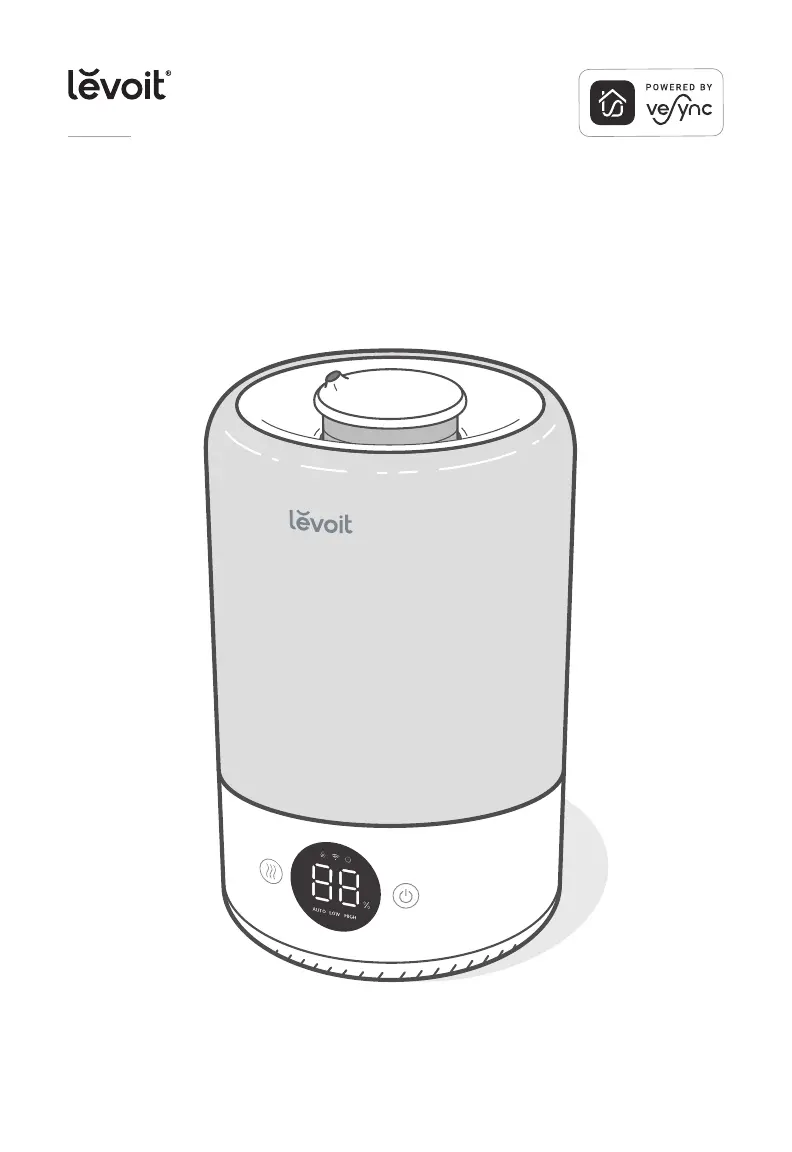
 General