1
Remote Control Guide
Product Overview
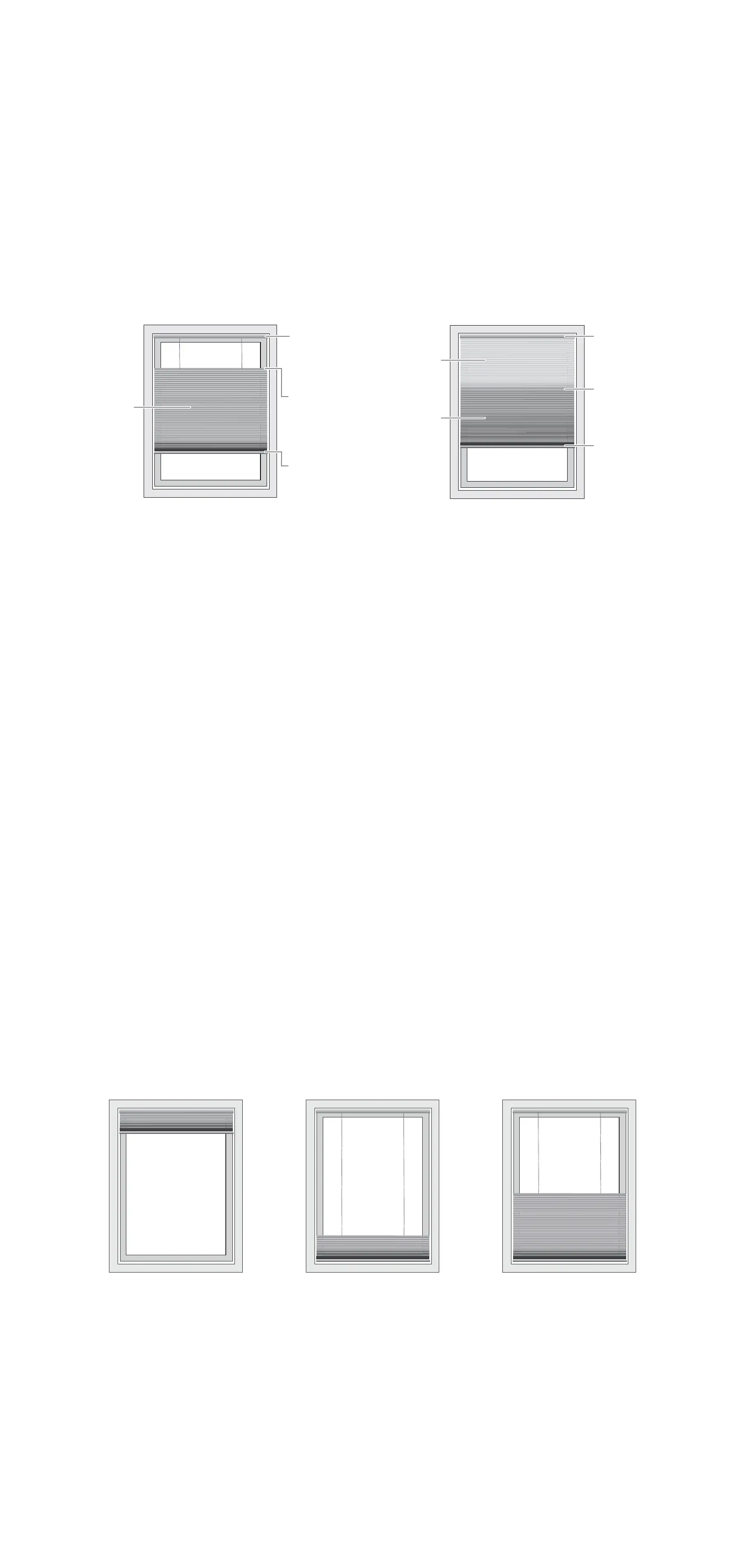
Shade Styles
This remote is designed to control Top-Down/Bottom-Up
and Day/Night lift style shades.
Product Positioning
Each shade comes with predefined position limits that can
be adjusted as needed.
Upper Limit
This is the highest position available which provides the
best view and protects product from damage.
Lower Limit
This is the lowest position available which fully covers the
window and matches the length requested at time of order.
Favorite Position
This is the preset position that is saved on the shade. At the
factory, the favorite position is set with the bottom rail fully
lowered and the middle rail 50% lowered. Send to Favorite
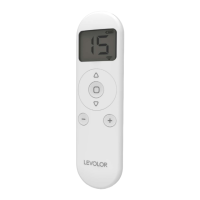
Position by holding the
stop button.
Headrail Headrail
Middle
Rail
Middle
Rail
Bottom
Rail
Bottom
Rail
Top-Down/Bottom-Up Day/Night Shade
Upper limit Lower Limit Favorite
One
Fabric
Panel
Fabric
Panel A
Fabric
Panel B


 To Next Page