5
Remote Control Guide
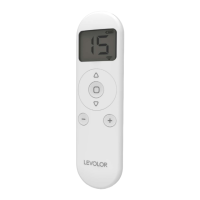
Remote Overview
Wall Holder
Provide a home for LEVOLOR remotes with the
remote holder.
Tools Needed to Mount Remote Holder
• Power drill
• 3⁄32” drill bit
• Phillips screwdriver
• Pencil
Remote Holder Mounting Instructions
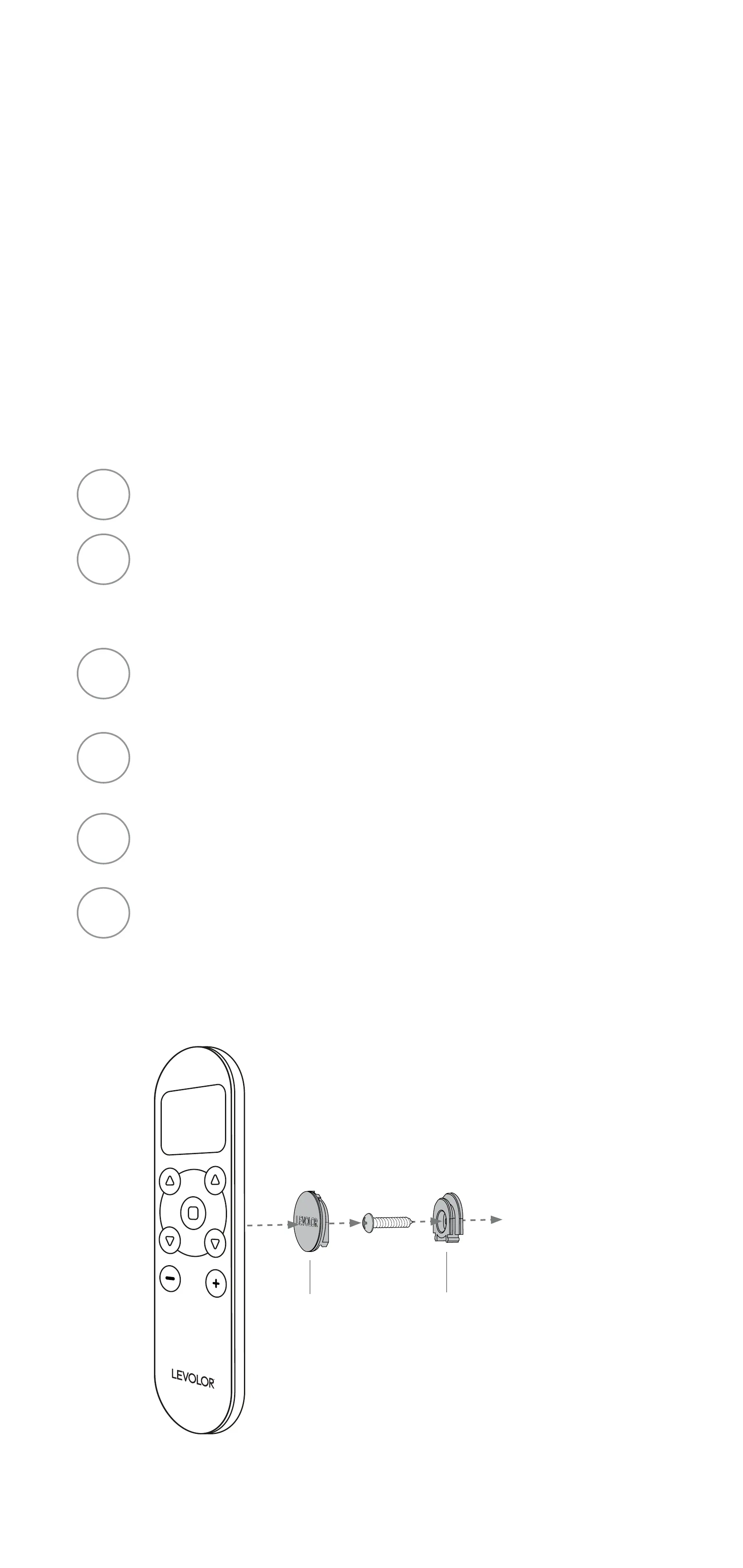
Choose location and mark wall plate placement.
If you are mounting onto wood, use a 3⁄32” drill bit
to drill pilot hole. If you are mounting onto drywall,
use the included drywall anchor.
Attach the wall plate to the wall using the screw
provided; ensure the curved edge is on top.
Slide mounting disc over wall plate and snap
into place.
Place remote on mounting disc and gently slide
downward to seat remote onto holder.
Slide remote upward to remove from holder.
1
2
3
4
5
6
Wall Plate
(Install Curved
Edge to Top)
Mounting
Surface
Mounting
Disc


 To Next Page