5
Explanation of Functions
Remote Control Guide
NOTE: the FAVORITE position for a given shutter is
stored in the shutter itself. The favorite position is always
the same regardless of which GROUP or GROUPS the
shutter is assigned to or which remote you use. If you
set a FAVORITE with one remote for one shutter, and
then overwrite it with another FAVORITE position with
a different remote, you will only have the FAVORITE as
set by the last remote. From now on, any remotes
programmed to that shutter will trigger the same
FAVORITE position.
See page 8 "Set a FAVORITE position" or download the
LEVOLOR App, which will easily walk you through the process.
TRAVEL LIMIT/STOPS
The points when a louver stops along its travels. If the louver
does not travel as expected, these limits can be adjusted by
resetting the louver travel limits.
See page 11 for instructions on "RESETTING TRAVEL LIMITS."
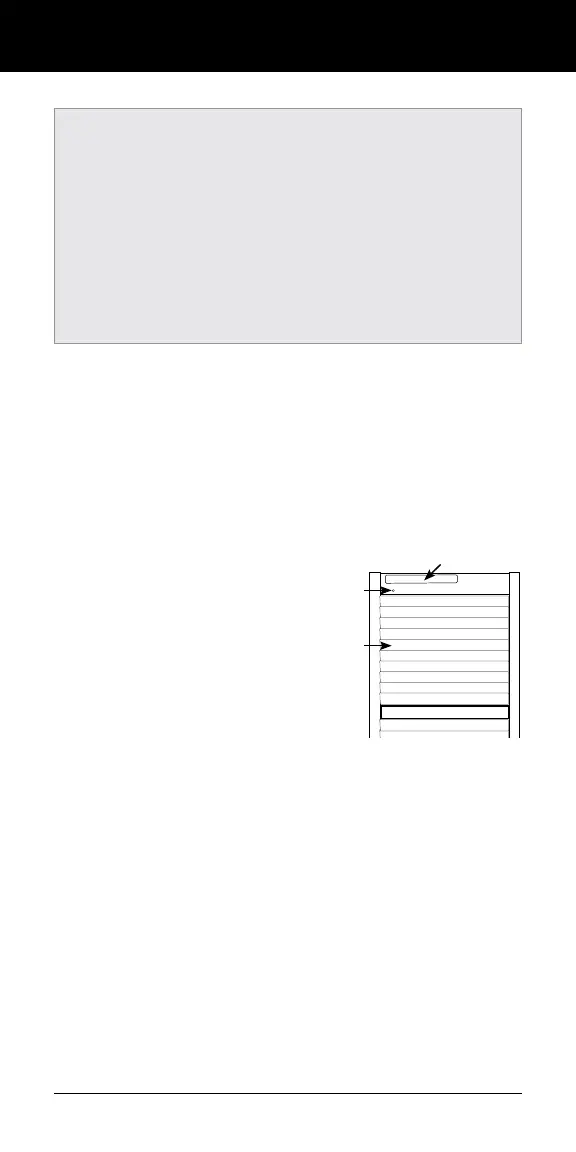
MANUAL CONTROL BUTTON
The manual control button
is located on the back side
of the shutter panel. This
button is used to program
the LEVOLOR
®
App and
your remote.
STANDARD BATTERY PACK
The standard power source provided
with the LEVOLOR
®
motorized operating system. The battery
pack is a tube of batteries that is connected to and is installed in
the shutter panel to supply power to the shutter, allowing it to
link and function with the app and remote control.
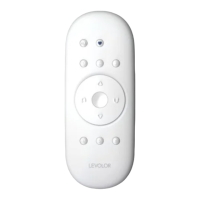
REMOTE RESET BUTTON
A small recessed button located under the battery
compartment cover on the back of the remote. This
is used when creating a duplicate remote and/or
resetting the remote.
Manual
Control
Button
Battery Compartment
Louver


 To Next Page