51
50
5. Select your payment method and click on “Continue”.
6. a) If you choose to pay through “Paypal”, select “Mobile browser on this
device” and click on “Continue”. You will be redirected to the “Paypal” website.
Please follow the instructions.
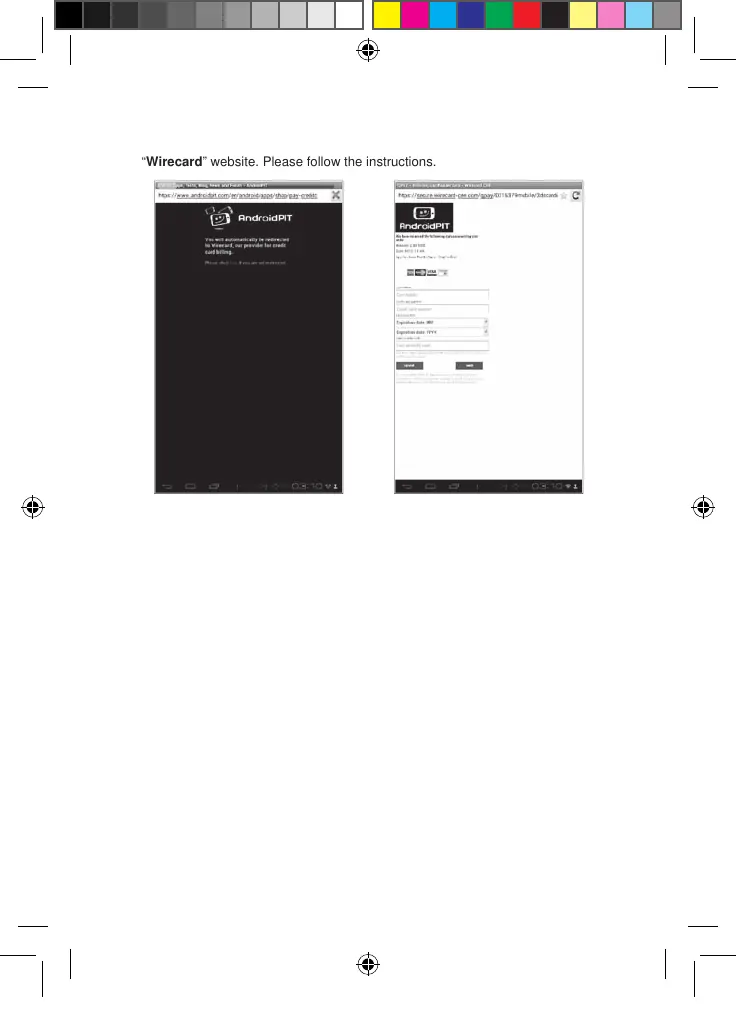
b) If you choose to pay with your credit card, you will be redirected on the
“Wirecard” website. Please follow the instructions.
• Find purchased applications
If you have uninstalled a previously purchased application, you can reinstall it without
having to purchase it a second time.
1. Connect to the Lexibook® Market by identifying yourself (see “Connect to the
Lexibook® Market”).
2. On the search screen (see “Find purchased applications”), type the name of
the previously downloaded application.
MFC142EN_09IM1373_11Sept_V12.indd 51 11/09/2013 5:31 PM



 To Next Page