62
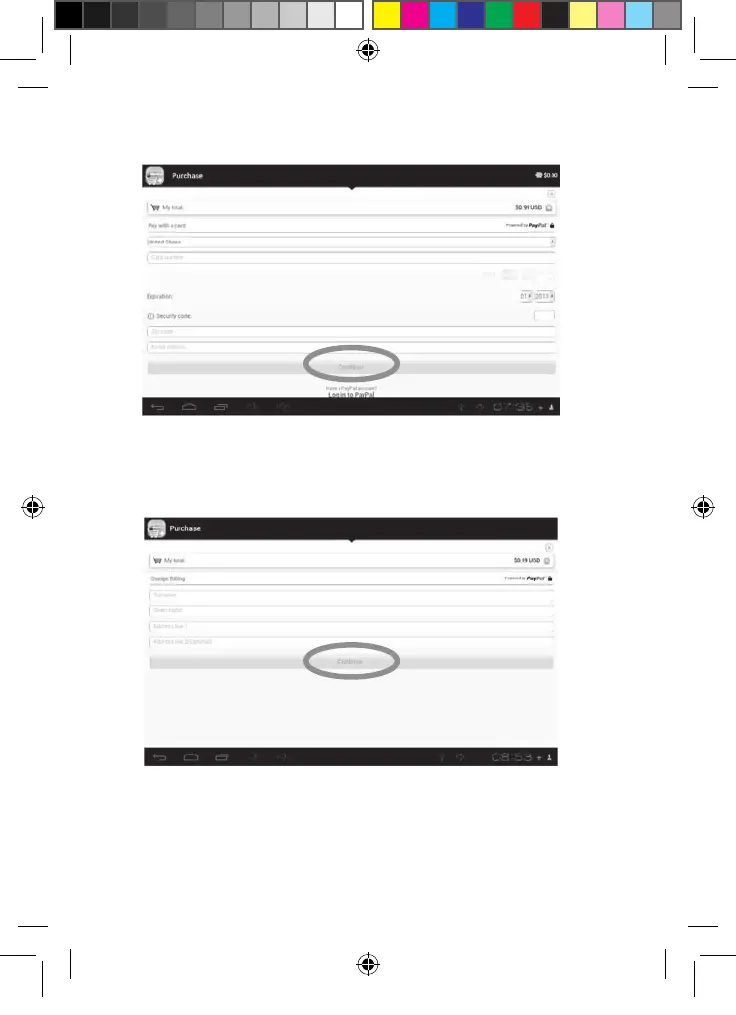
4. Click on the “Add funds” button to access the payment process page. Choose
your country and type your credit card information and email address.
5. Click on “Continue” to proceed.
• Purchase an application
1. First, you need to connect to your account. Please follow the steps described
in the “Connect to the Lexibook® Market Premium” section above.
2. On the page of the application you want to purchase, click on “Purchase” after
checking the application’s price.
3. Enter your credit card information and your email address. Press “Continue”
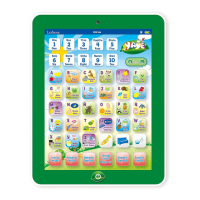
4. After you have entered your billing information, press on “Continue”.



 To Next Page