MAKE SURE THE TRANSFER MODULE IS NOT DEFECTIVE
Replace the defective transfer module. For more information, see the instruction sheet that came with the replacement part.
MAKE SURE THE FUSER IS NOT DEFECTIVE
Replace the defective fuser. For more information, see the instruction sheet that came with the replacement part.
Repeating defects appear on a page
Cause Solution
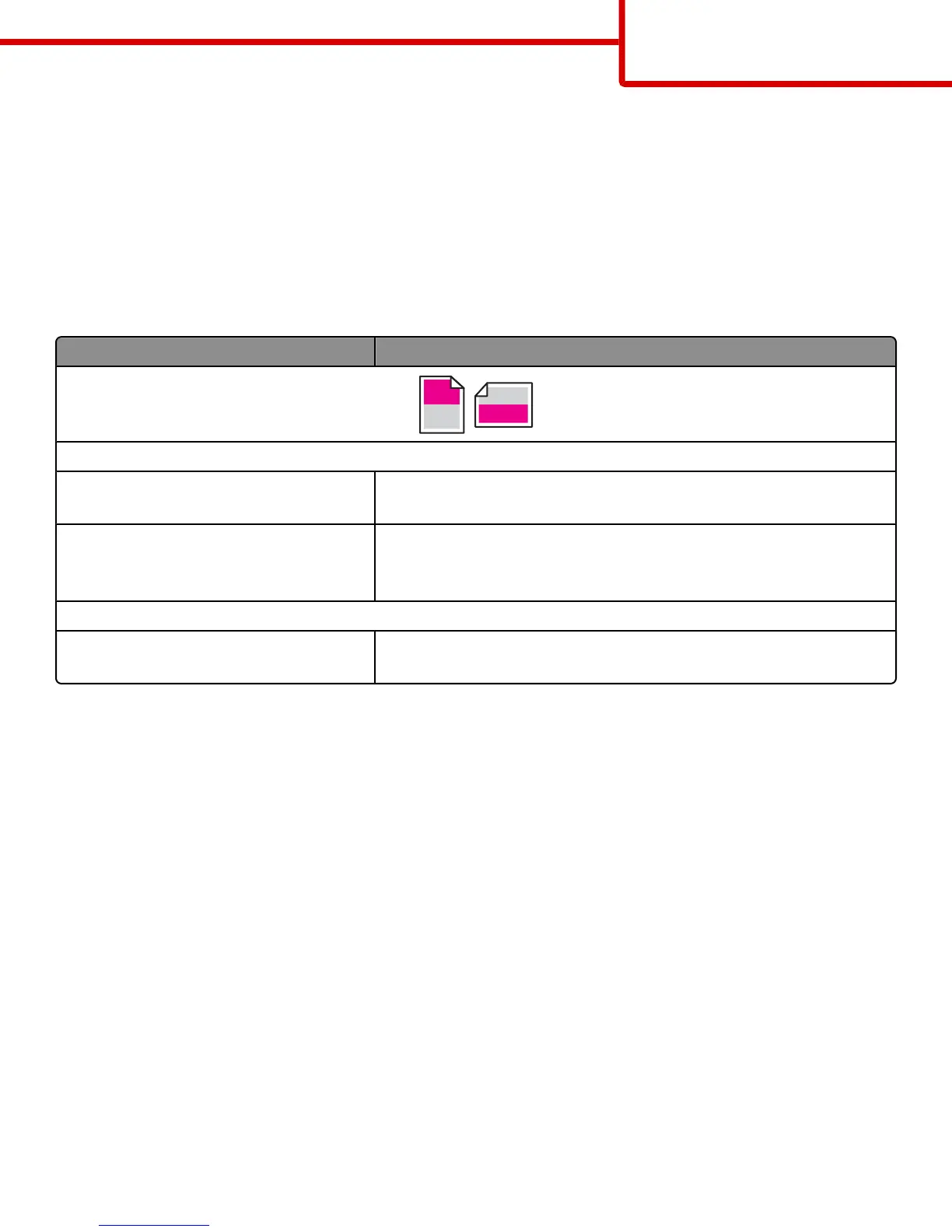
If marks occur repeatedly in only one color and multiple times on a page:
The transfer module is defective. Replace the transfer module if the defects occur every:
• 38 mm (1.50 in.)
An imaging unit is defective. Replace the imaging unit if the defects occur every:
• 41.0 mm (1.61 in.)
• 75.0 mm (2.95 in.)
If marks occur down the page repeatedly in all colors:
The fuser is defective. Replace the fuser if the defects occur every:
• 141 mm (5.55 in.)
Skewed print
These are possible solutions. Try one or more of the following:
CHECK THE PAPER GUIDES
Move the length and width guides in the tray to the correct positions for the paper size loaded.
• Make sure the guides are not too far from the paper stack.
• Make sure the guides are not pressing too lightly against the paper stack.
CHECK THE PAPER
Make sure you are using paper that meets the printer specifications.
Print quality guide
Page 7 of 13



 To Next Page