MAKE SURE THERE IS NO WORN, DEFECTIVE, OR EMPTY TONER CARTRIDGE
Replace the worn, defective, or empty toner cartridge.
CLEAR THE PAPER PATH AROUND THE TONER CARTRIDGE
CAUTION—HOT SURFACE: The inside of the printer might be hot. To reduce the risk of injury from a hot component,
allow the surface to cool before touching.
Clear any paper you see or clean any visible toner from the paper path. If the problem persists, then contact Customer Support.
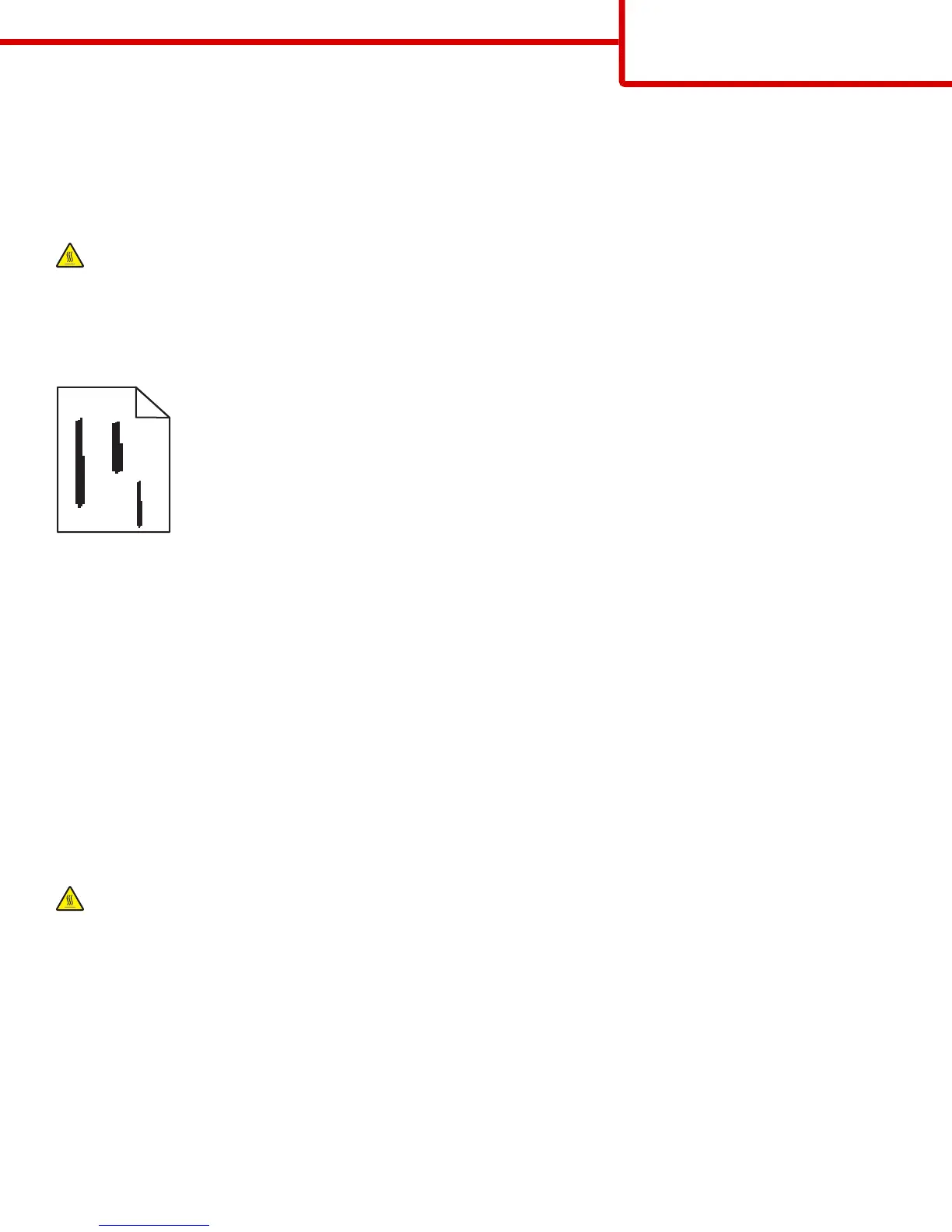
Streaked vertical lines appear on prints
ABCDE
ABCDE
ABCDE
Try one or more of the following:
SELECT ANOTHER TRAY OR FEEDER
• From the printer control panel Paper menu, select Default Source
• For Windows users, select the paper source from Print Properties.
• For Macintosh users, select the paper source from the Print dialog and pop-up menus.
MAKE SURE THERE IS NO WORN, DEFECTIVE, OR EMPTY TONER CARTRIDGE
Replace the worn, defective, or empty toner cartridge.
CLEAR THE PAPER PATH AROUND THE TONER CARTRIDGE
Check the paper path around the toner cartridge.
CAUTION—HOT SURFACE: The inside of the printer might be hot. To reduce the risk of injury from a hot component,
allow the surface to cool before touching.
Clear any paper you see.
MAKE SURE THERE IS NO TONER IN THE PAPER PATH
Print quality guide
Page 9 of 13



 To Next Page