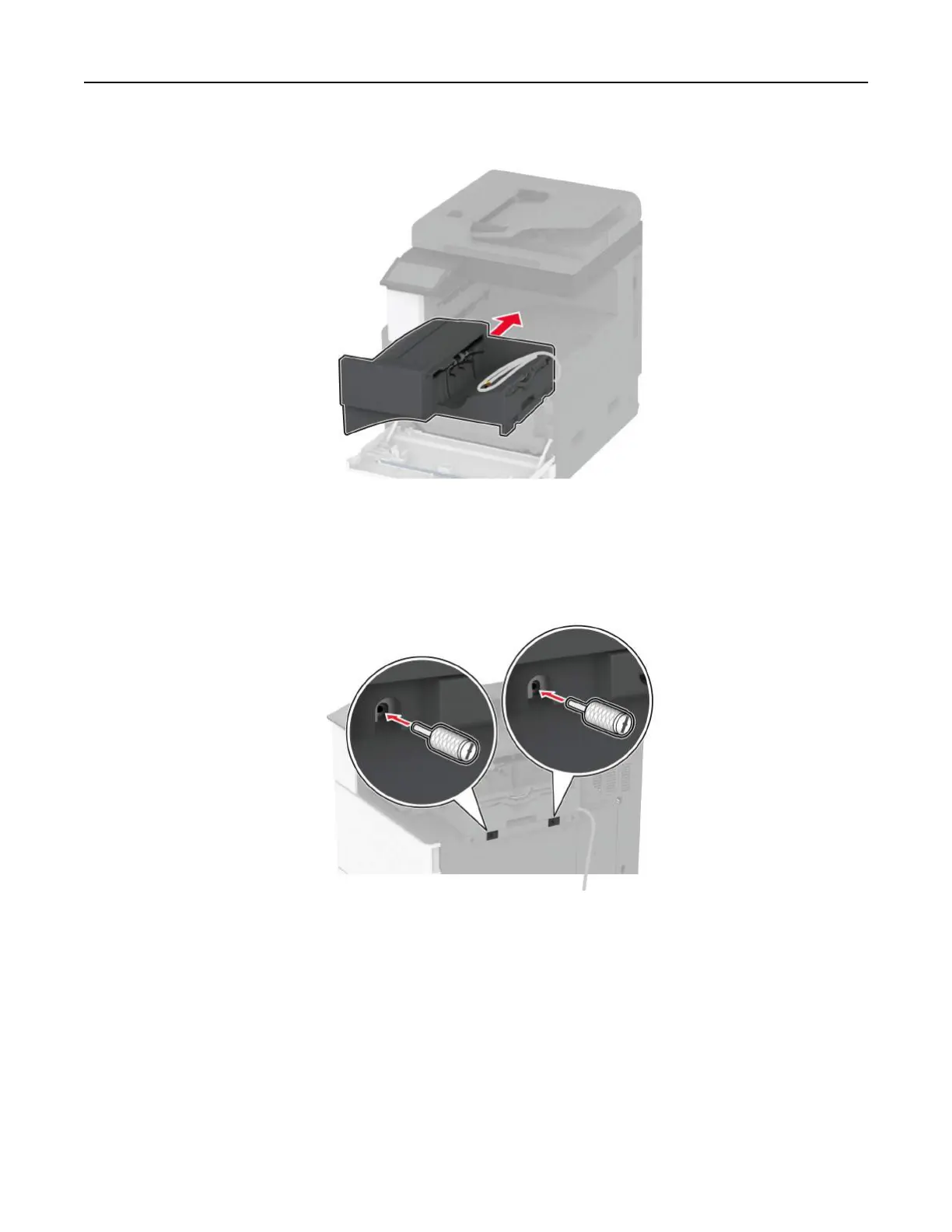
9 Insert the finisher.
10 Close the front door.
11 Secure the finisher to the printer.
Note: Use the screws that came with the
finisher.
12 Secure the finisher cable to the printer.
Note: Use the clamps that came with the finisher.
Set up, install, and configure 132



 To Next Page