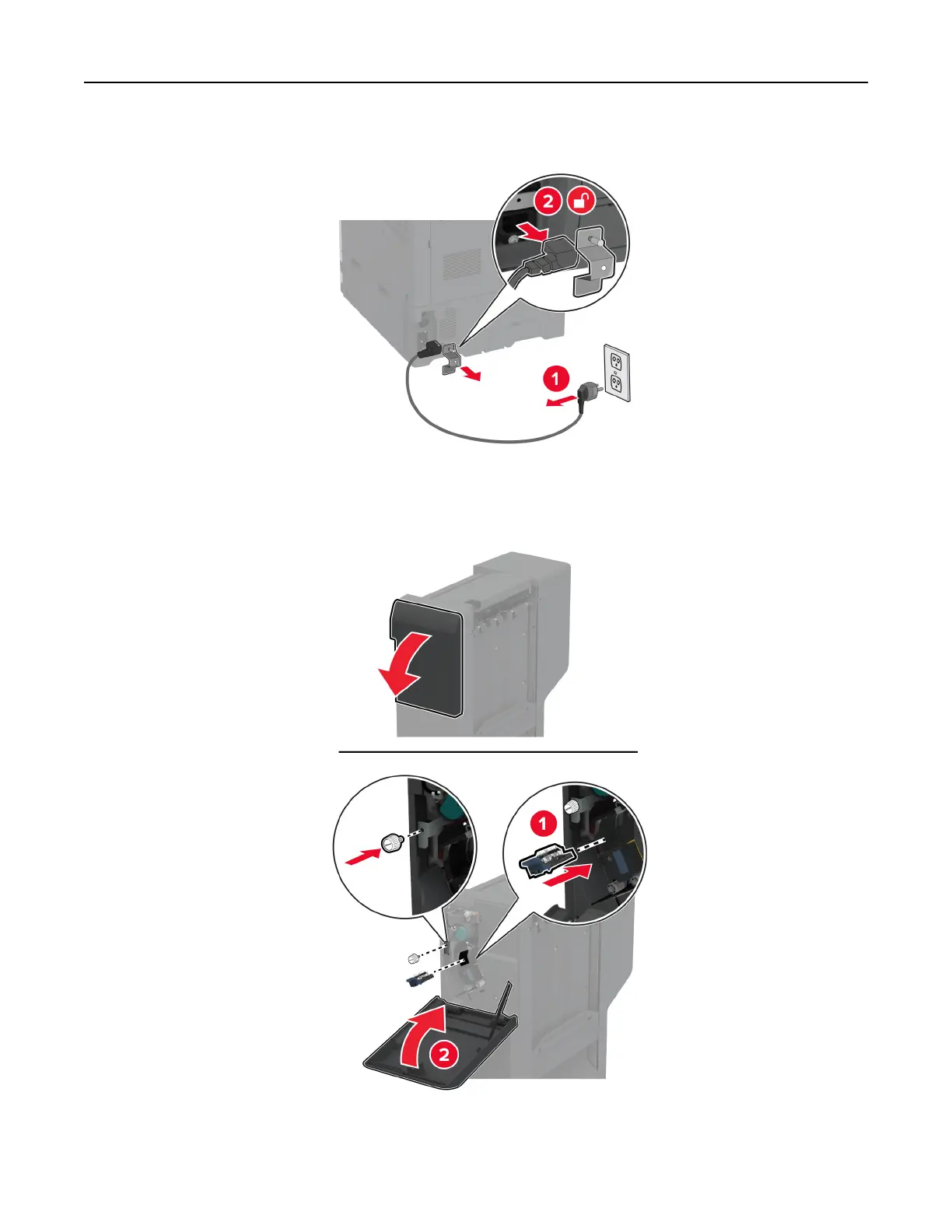
2 Unplug the power cord from the electrical outlet, and then from the printer.
3 Unpack the staple, hole punch finisher, and then remove all the packing material.
4 Insert the staple cartridge holder into the finisher.
Set up, install, and configure 124



 To Next Page