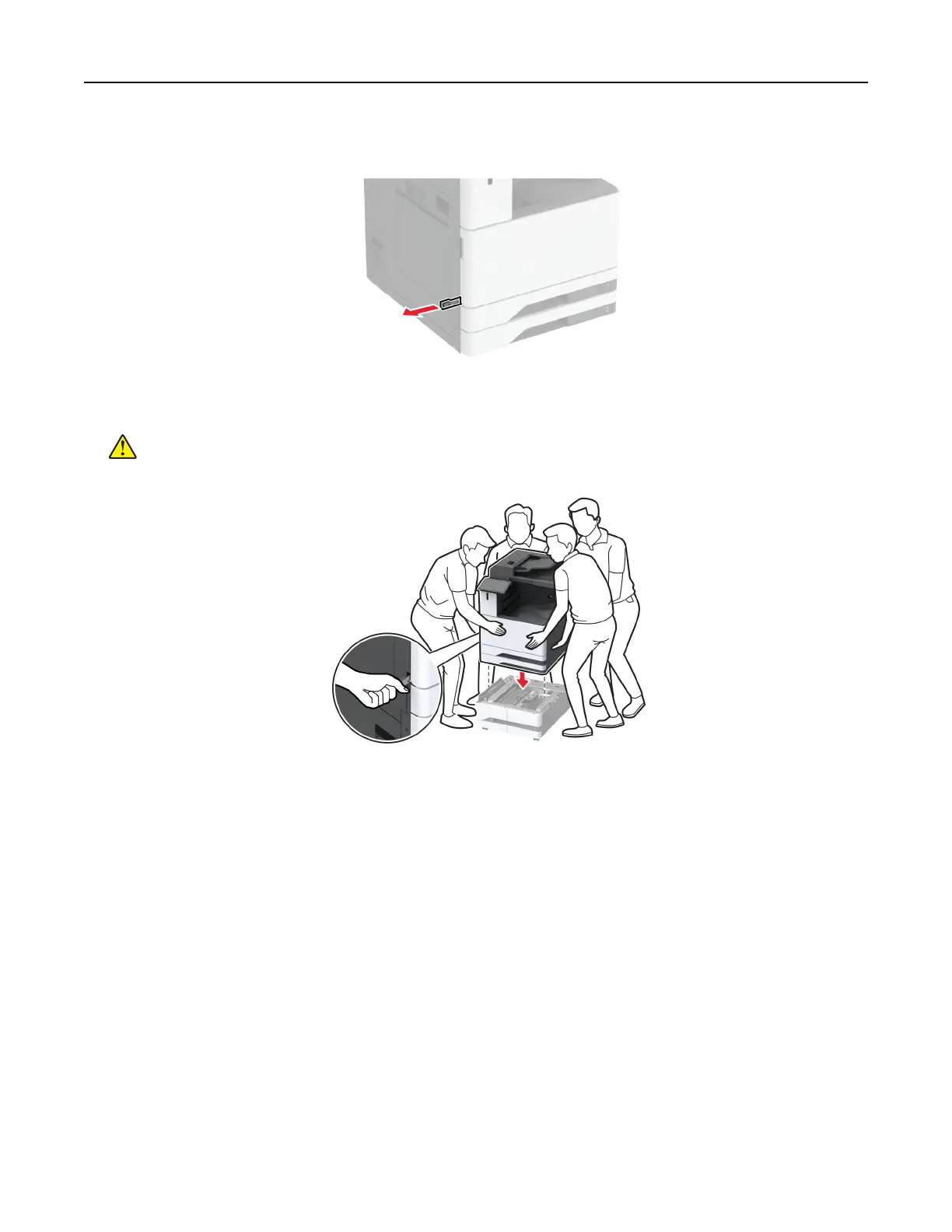
8 Pull out the lifting handle on the left side of the printer.
9 Align the printer with the optional tray, and then lower the printer into place.
CAUTION—POTENTIAL INJURY: If the printer weight is greater than 20 kg (44 lb), then it may
require two or more people to lift it safely.
10 Close door B.
Set up, install, and configure 98



 To Next Page