EasyManua.ls Logo

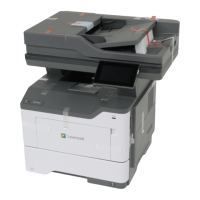
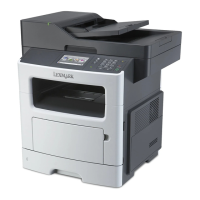
Lexmark MX517 - User Manual

Lexmark MX517
321 pages
Print Icon
To Next Page IconTo Next Page
Loading...
MX410, MX417, MX510, MX511,
MX517
User's Guide
June 2017 www.lexmark.com
Machine type(s):
7015
Model(s):
470, 630, 670, 675

Table of Contents

Other manuals for Lexmark MX517

Questions and Answers

  • D
    daniel77Sep 7, 2025
    What to do if Lexmark MX517 says complex page, some data may not have printed?
    • J
      Jerry HamiltonSep 7, 2025
      To address the 'Complex page' error on your Lexmark All in One Printer, select 'Continue' from the control panel to ignore the message and continue printing. If you have a non-touch-screen printer, press the confirmation button. Alternatively, cancel the current print job or add printer memory.

Lexmark MX517 Specifications

General IconGeneral
BrandLexmark
ModelMX517
CategoryAll in One Printer
LanguageEnglish

Related product manuals