Loading the 2000-sheet high capacity feeder
70
Printing
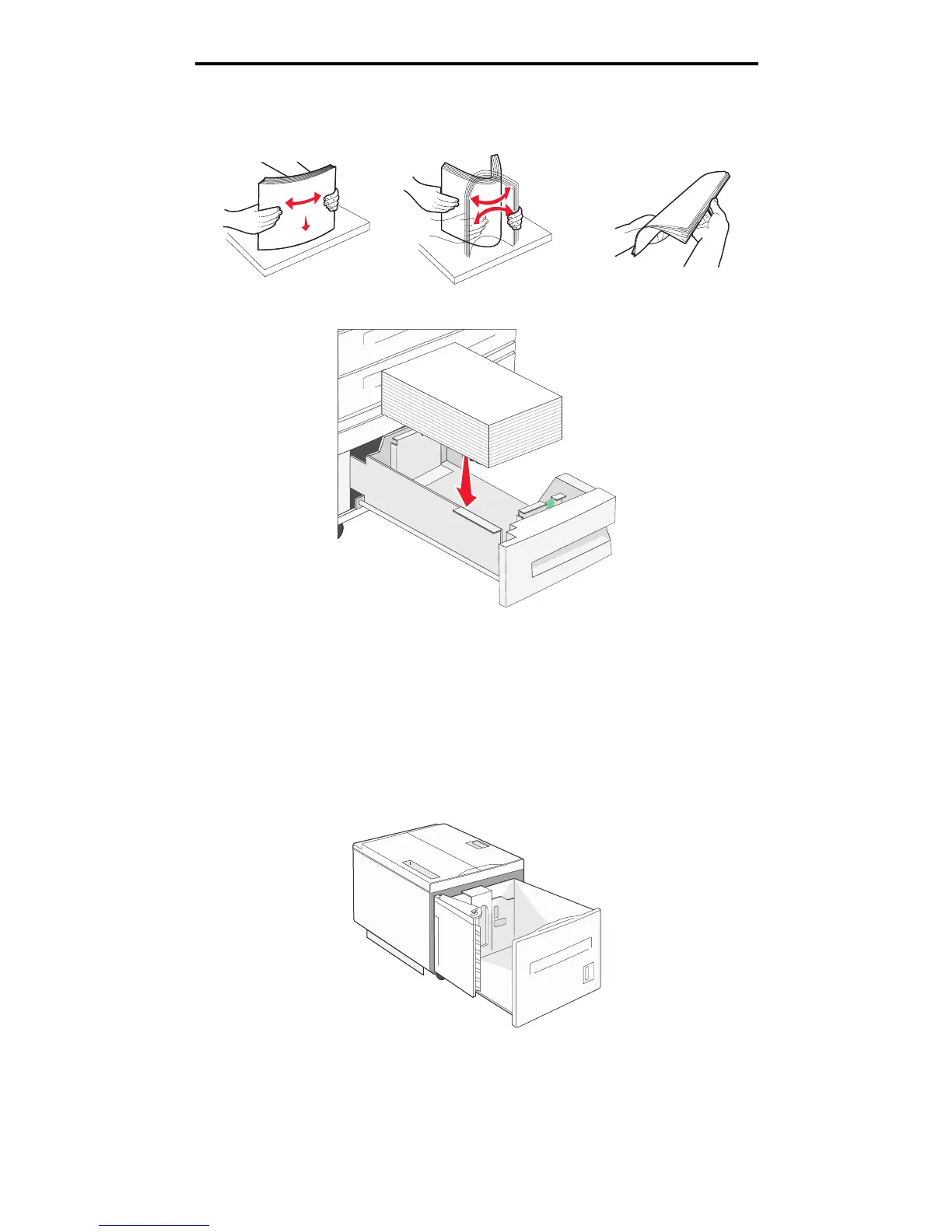
3 Flex the sheets back and forth to loosen them, then fan them. Do not fold or crease the print media. Straighten the
edges on a level surface.
4 Load print media in the tray with the print side up.
Note: Make sure the print media is below the max fill line on the rear guide. Overloading may cause jams.
5 Insert the tray into the MFP.
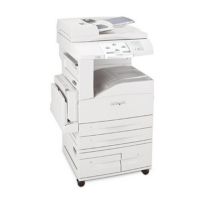
Loading the 2000-sheet high capacity feeder
The high capacity feeder can hold 2000 sheets of Letter, A4, Executive, or JIS B5 paper (75 g/m
2
[20 lb]).
1 Pull out the tray.




 To Next Page