Using the Lexus Integrated Mobile Phone
System in Vehicles equipped with Navi-
gation
Section 3
32
The Call screen is displayed any time the Lexus Integrated
Mobile Phone System is in the active state. This screen ap-
pears when a call is being received. The call can be terminated
by pressing the hook key on the command module, or by
touching
on the console display.
NOTICE
Shaded text indicates operations that cannot be performed
while vehicle is in motion.
Creating a Voice Tag
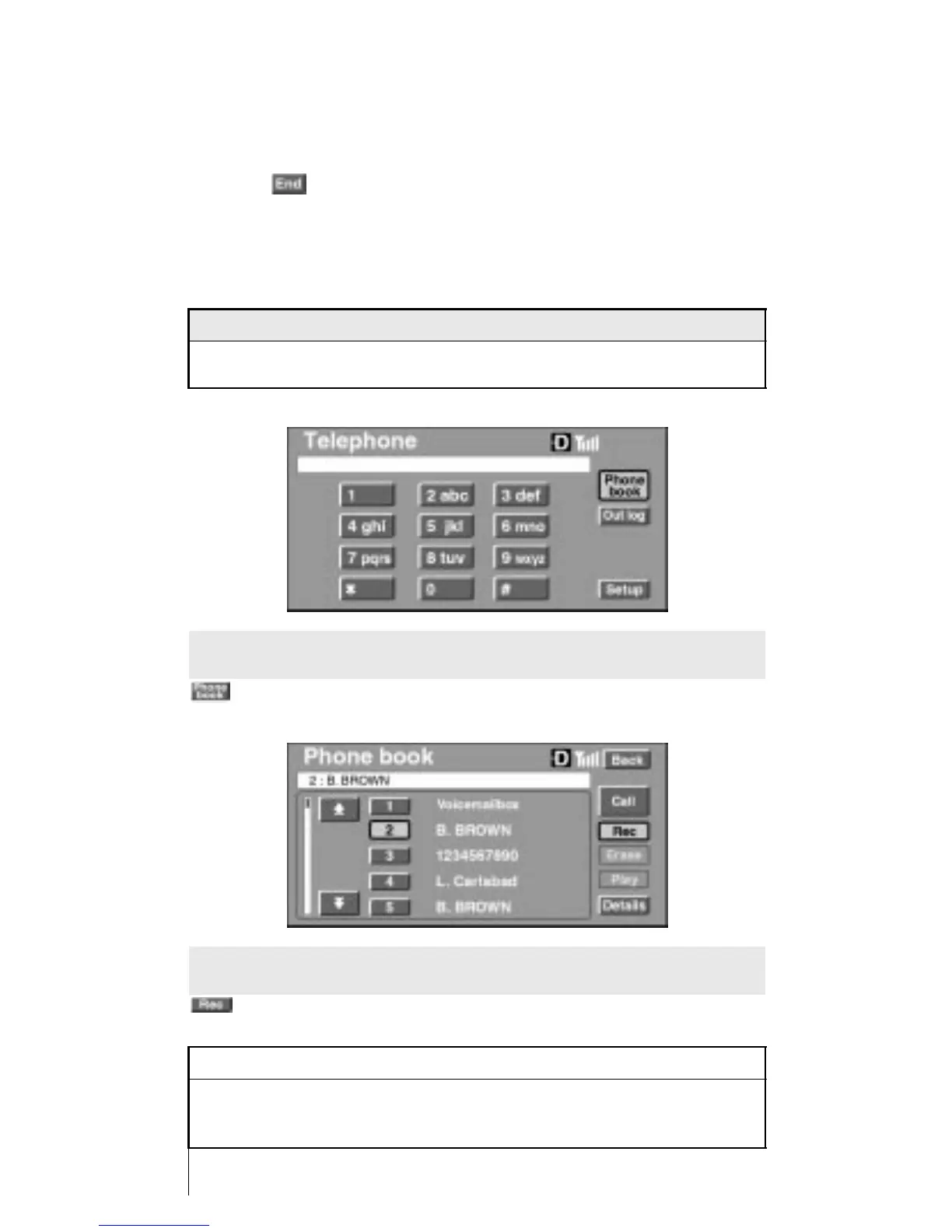
To create a voice tag from the phone book, first go to the Phone
Book screen by touching
on the console display.
Select the desired entry from the phone book to create a voice
tag, and touch
on the console display.
INFORMATION
A maximum of 20 voice tags can be registered in the system.
Exceeding this limit will prompt the message, “Voice tag
memory is full”.












 To Next Page