Audio System
139
Cassette tape player operation
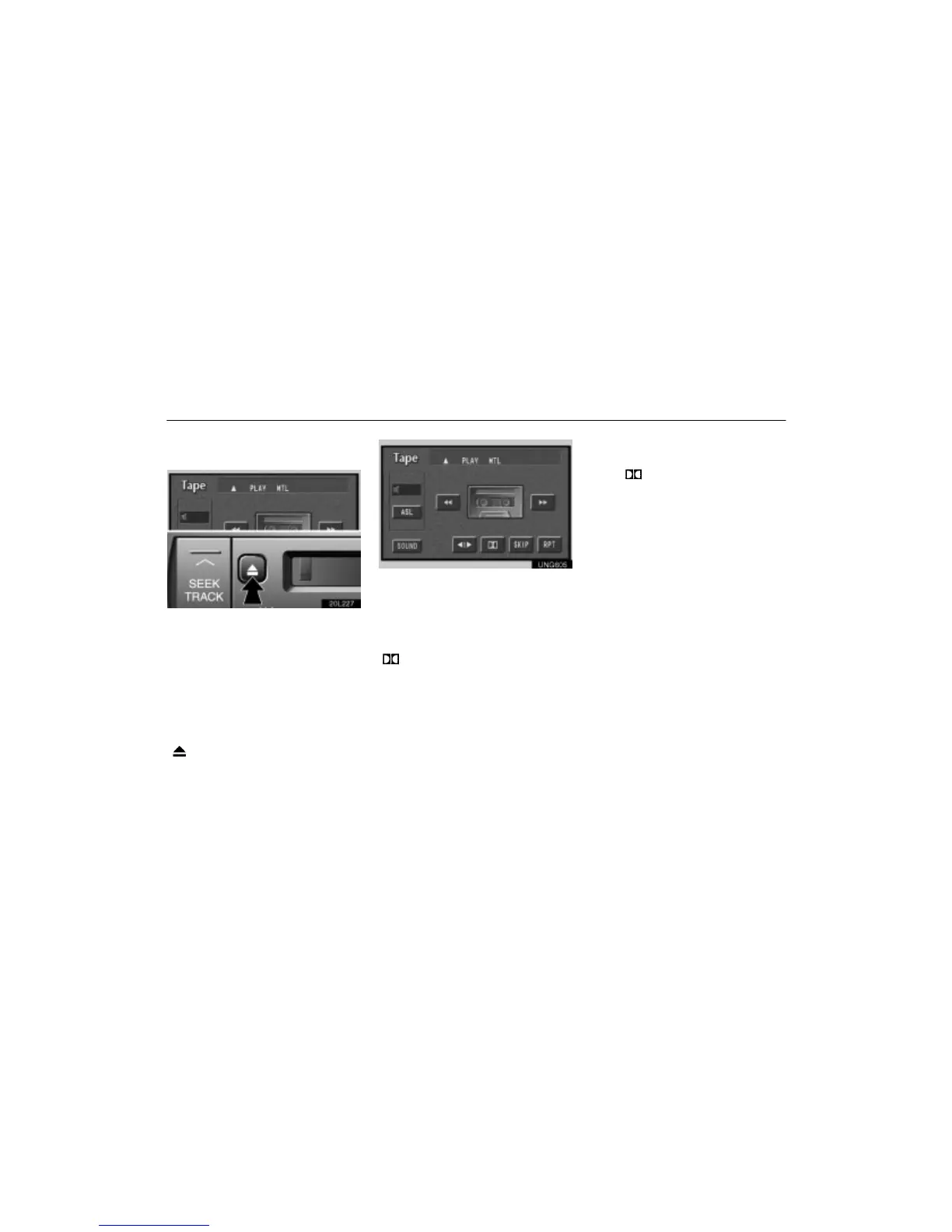
(a) Playing a cassette tape
20L227
When you insert a cassette tape, the ex-
posed tape should face to the right.
The player will automatically start when you
insert a cassette tape. At this time, ”Tape”
appears on the display.
If a metal or chrome equivalent cassette tape
is put in the cassette player, the player will
automatically recognize it and ”MTL” ap-
pears on the display.
To stop or eject the cassette tape, push the
”
” button.
UNG605
If a cassette is already in the slot, push the
”TAPE” button.
Dolby Noise Reduction* feature: If you
are listening to a tape that was recorded with
Dolby B Noise Reduction, touch the switch
marked with the double–D symbol. The
”
” switch will be highlighted in green.
Touch the switch again to turn off Dolby B
NR.
The Dolby NR mode reduces tape noise by
about 10 dB. For best sound reproduction,
play your tapes with this switch on or off ac-
cording to the mode used for recording the
tape.
* Dolby noise reduction manufactured under
license from Dolby Laboratories Licensing
Corporation. ”DOLBY” and the double–D
symbol
are trademarks of Dolby Labora-
tories Licensing Corporation.












 To Next Page