Audio System
140
(b) Manual program selection
20L228
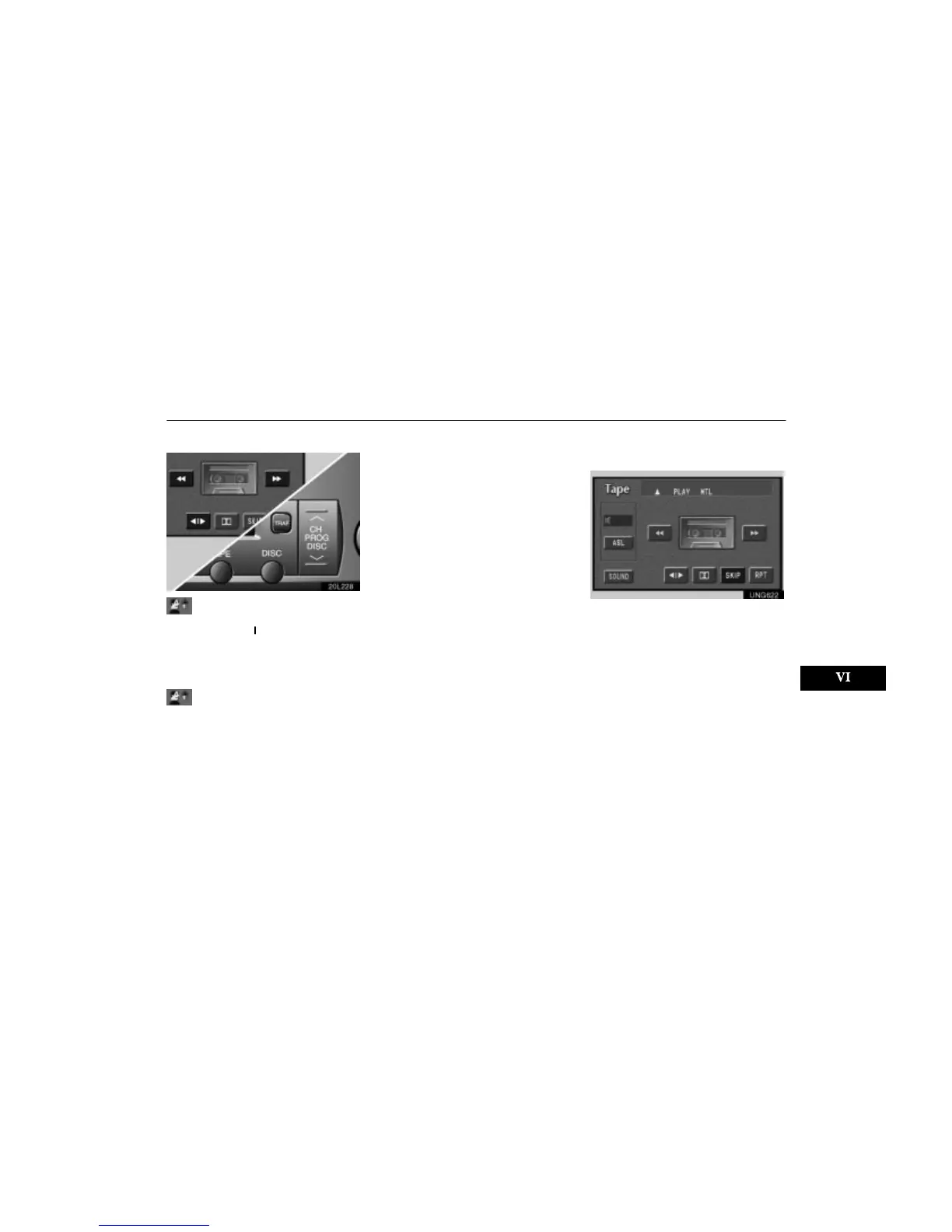
Reverse switch: You can reverse the tape
by touching the ”
” switch or ”PROG”
button. The display will show the opposite di-
rection after reversing the tape. Also if the
tape reaches the end of one side, it is auto-
matically reversed to the other side.
Fast forward and Rewind switches: You
can fast forward or fast rewind by touching
the ”” or ”” switch.
To stop the tape while it is fast forwarding,
touch ” ”, to stop the tape while it is re-
winding, touch ””.
If a tape rewinds completely, the cassette
player will stop and then play the same side.
If a tape fast forwards completely, the cas-
sette player will play the other side of the tape
using the auto–reverse feature.
Auto–reverse feature: After the cassette
player reaches the end of a tape, it automati-
cally reverses and begins to play the other
side, regardless of whether the cassette was
playing or fast forwarding.
(c) Automatic program
selection
UNG622
”RPT” switch: The repeat feature automati-
cally replays the current program.
Touch the ”RPT” switch while the program is
playing. When the program ends, it will auto-
matically be rewound and replayed. Touch
the switch again to turn off the repeat feature.
There must be at least 3 seconds of blank
space between programs for the repeat fea-
ture to work correctly.
”SKIP” switch: The skip feature allows you
to fast forward past long stretches of blank
tape. This is especially useful at the end of
cassettes.












 To Next Page